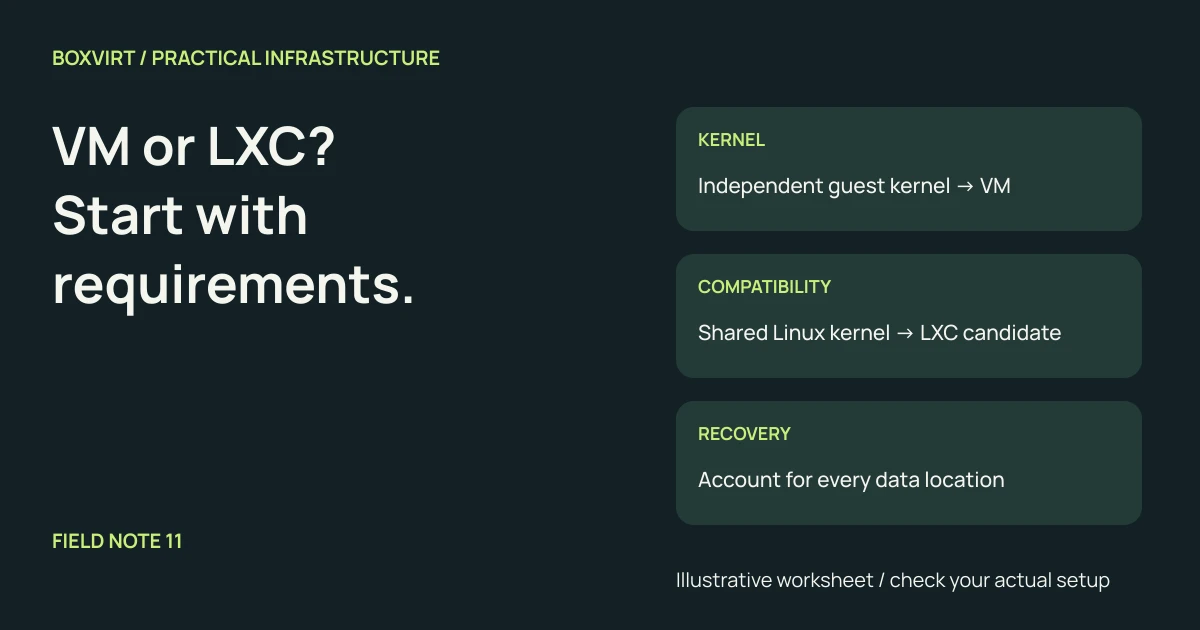
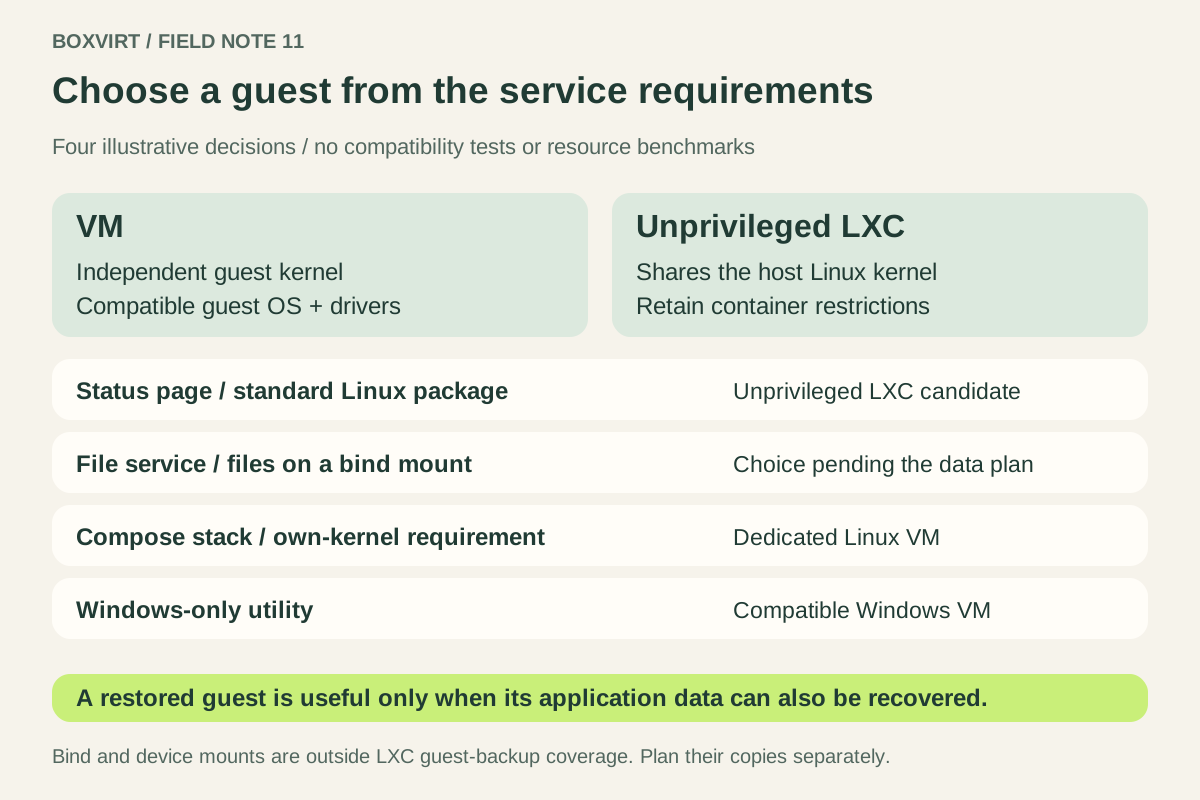
Choose a VM when the service needs its own guest kernel, a non-Linux operating system, or a VM boundary required by your operating policy. An unprivileged LXC is a candidate for a compatible Linux service that can work with the host kernel and retained container restrictions.
Before deciding, record the application’s supported deployment method, hardware access and complete recovery path. “It is a small application” does not answer those questions. The worksheet below works through four illustrative services, without claiming measured resource savings or a tested installation.
Start with the kernel and operating system
LXC’s introduction describes containers as environments built from Linux kernel containment features. A container can have its own Linux userspace while sharing the host kernel. Installing a different distribution inside it does not install an independent guest kernel.
A Proxmox QEMU/KVM VM presents virtual hardware to a guest operating system. The guest boots its own kernel. That supports a different maintenance boundary, although the VM still depends on the host and its virtualization stack.
| Requirement | What it means for the choice |
|---|---|
| Windows or another non-Linux guest OS | Use an appropriate VM; Proxmox LXC runs Linux userspace. |
| A specific guest kernel or guest-managed kernel module | Evaluate a VM with a compatible guest OS and hardware interface. |
| Standard Linux userspace with no special kernel requirement | An unprivileged LXC remains a candidate. |
| A vendor-supported deployment method | Verify that exact method and release; a successful boot alone does not establish support. |
For example, a program depending on a kernel feature absent from the host cannot gain that feature merely by installing another container template. Record the feature requirement before choosing the template.
Write down the isolation requirement
The LXC security model distinguishes unprivileged containers, whose root user maps to an unprivileged host identity, from privileged containers. Use unprivileged LXC for the candidates in this worksheet and retain the confinement controls. Container root and host root are not equivalent in that model.
Decide who can install code, which service accepts untrusted input and what an application compromise must be prevented from reaching. If your requirement is an independent guest-kernel boundary, choose a VM on that basis. Public exposure alone does not establish a universal verdict for every application.
Both designs need maintained host software, maintained guest userspace, restricted administration and deliberate network access. A VM also needs its guest kernel maintained. Device access and shared writable data remain part of the assessment. Avoid treating either guest type as a complete security policy.
Separate application packaging from the guest boundary
Check how the application is maintained: distribution packages, a supported binary, or an application-container runtime and its deployment files.
The current Proxmox container manual includes OCI images converted to the LXC stack, with application containers marked as a technology preview when reviewed on November 3, 2026. That is different from running a separate container runtime inside an LXC guest; an OCI image option does not establish compatibility with an entire Compose deployment.
For a stack whose operator wants a separately maintained Linux kernel and runtime, a dedicated Linux VM is a reasonable design. Record that requirement rather than claiming that every application container requires a VM.
If LXC compatibility appears to require nesting or extra permissions, inspect the exact requirement. Proxmox describes nesting as exposing procfs and sysfs. Do not enable it automatically for every service. A request to disable confinement or make the container privileged sends this worksheet back for review; it is not a routine installation step.
Treat hardware access as a separate decision
Write down the exact device and which layer must operate its driver. Access to a host-managed device or path does not mean owning an entire controller.
Under ordinary full PCI passthrough, the device is assigned to the VM and unavailable to the host or other VMs. Hardware support, IOMMU isolation and the guest driver need checking. Choosing “VM” in a worksheet does not prove those conditions are met.
If a service needs storage-controller ownership, continue with the NAS VM hardware-ownership comparison. That is a more specific question than choosing a guest for an ordinary web application.
List the data a guest backup must recover
The Proxmox backup manual states that additional container mount points are excluded by default. Storage-backed volume mount points can be included with their backup setting; bind mounts and device mounts are outside that backup coverage.
Therefore, a successful LXC backup job does not prove that a host directory mounted into the container was copied. A VM also needs its attached data and external services accounted for. The recovery unit may include the application, database, uploaded files, configuration and access to secrets.
For a file-sharing application, write a concrete recovery question: “After restoring this guest, where will its user files and matching database come from?” Use the Proxmox backup checklist to develop that answer. A snapshot on the same storage does not supply an independent recovery copy.
Work through four services before building them
These are chosen requirements, not claims about every product in a category.
| Service and stated requirements | Initial decision | Evidence still needed |
|---|---|---|
| Internal status page: maintained Linux package, no host devices, state inside its guest storage | Unprivileged LXC candidate | Package compatibility, access restrictions and recovery of its configuration |
| Family file service: Linux web stack, database and files proposed on a host bind mount | Leave the choice open until the data plan is complete | Independent backup and coordinated restore of files and database; ownership mapping if LXC is selected |
| Notes stack: application runtime plus Compose files; operator requires its own guest-kernel update cycle | Dedicated Linux VM | Supported runtime and guest release, persistent-volume inventory and application restore |
| Utility supported only on Windows | Compatible Windows VM | Vendor OS requirements, guest drivers and licensing requirements |
The file-service row deliberately remains unresolved. Switching that row to “VM” would not automatically recover missing external data. If you choose a manual Linux stack, the Nextcloud LXC guide develops its application-specific storage and maintenance questions.
Complete the acceptance checks
Give each proposed guest a resource budget. Linux cgroup v2 controls constrain process groups; a container memory limit can lead to allocation failures or an OOM kill under pressure. It is not additional physical RAM. Use the Proxmox RAM worksheet to include simultaneous demand and maintenance capacity without assuming a fixed VM-to-LXC saving.
Before important data arrives, require evidence for four outcomes:
- The supported application release works with the chosen OS and kernel boundary.
- The service can run with its documented permissions and intended network access.
- Its persistent data inventory matches actual backup coverage.
- An isolated restore recovers useful application data, not just a booting guest.
If requirements later change, plan to provision the new guest and restore or migrate the application using its supported method. An LXC root filesystem is not automatically a bootable VM disk.
Keep the completed decision with the homelab plan. This article checks the architecture against documentation; compatibility, device access and recovery still need verification on the selected deployment.