Start a Proxmox homelab with one host, one disposable guest, a documented management network, and a successful restore. That baseline lets you learn virtualisation without making your first network experiment responsible for every service in your home.
This is a planning guide. Use it to choose compute, storage, guest boundaries, and recovery goals before following a release-specific installation procedure.
Begin with a workload and a failure budget
Write down what the first service needs: memory, CPU time, persistent storage, expected users, and acceptable downtime. Add the host’s own requirements and leave capacity for maintenance. The official minimum requirements describe an evaluation floor; they do not promise that a particular collection of databases, media servers, and Windows VMs will fit.
A useful example is a host for two small Linux services and a disposable test VM. Estimate each guest separately and reserve space for updates, temporary clones, and a restore test. If downtime is acceptable, a single host plus reliable external backups may be easier to maintain than a cluster whose quorum and storage design you have not learned yet.
Check hardware before selecting a storage layout
Record the CPU model, virtualisation support, memory capacity, disk model/serial numbers, NICs, and console access. Check firmware and the installation requirements for the release you intend to use. Do not buy a disk topology merely because its nominal usable capacity looks attractive.
Separate three questions:
| Question | Example decision | Why it matters |
|---|---|---|
| Where does the host boot? | Identified SSD or mirrored boot layout | Determines host recovery work |
| Where do guest disks live? | A pool selected for workload and resilience | Controls performance and some failure tolerance |
| Where are backups kept? | Another protected system or storage target | Must remain usable after losing the guest pool |
Compare nominal mirror and parity capacities with the RAID / ZFS Calculator. Reserve operating headroom and allow for metadata and workload effects. Redundancy can keep some failures from immediately stopping a pool; it does not restore accidentally deleted application data.
Give management a stable, recoverable path
Plan a stable management IP, hostname, gateway, and DNS service. An example address such as 10.20.10.10/24 is only useful when it fits your own network and does not collide with DHCP allocations. Use the Subnet Calculator when checking network boundaries.
Keep management access on a trusted segment or VPN. Have a local console or out-of-band route before changing host networking. If your only router or DNS server is a guest on this host, document how you will administer the host while that guest is stopped.
Learn the difference between a Linux bridge, a VLAN, a bond, and a routed firewall policy in the Proxmox networking guide. Adding a second bridge does not by itself establish who may communicate across segments.
Choose VM or LXC per service
A VM has its own guest kernel and can run a full guest operating system. An LXC container shares the host kernel and has a different isolation and compatibility boundary. Prefer unprivileged containers when LXC suits the workload; select a VM for a guest OS or isolation requirement that containers cannot meet.
For Docker applications, a dedicated Linux VM gives you a clear place to manage the Docker daemon and guest updates without changing the hypervisor’s package set. This is a design choice, not a claim that every LXC application is unsafe.
Test guest boot, shutdown, network access, DNS, and updates before adding important data. Once that works, use a cloud-init template for repeatable VM creation.
Make recovery your first operational milestone
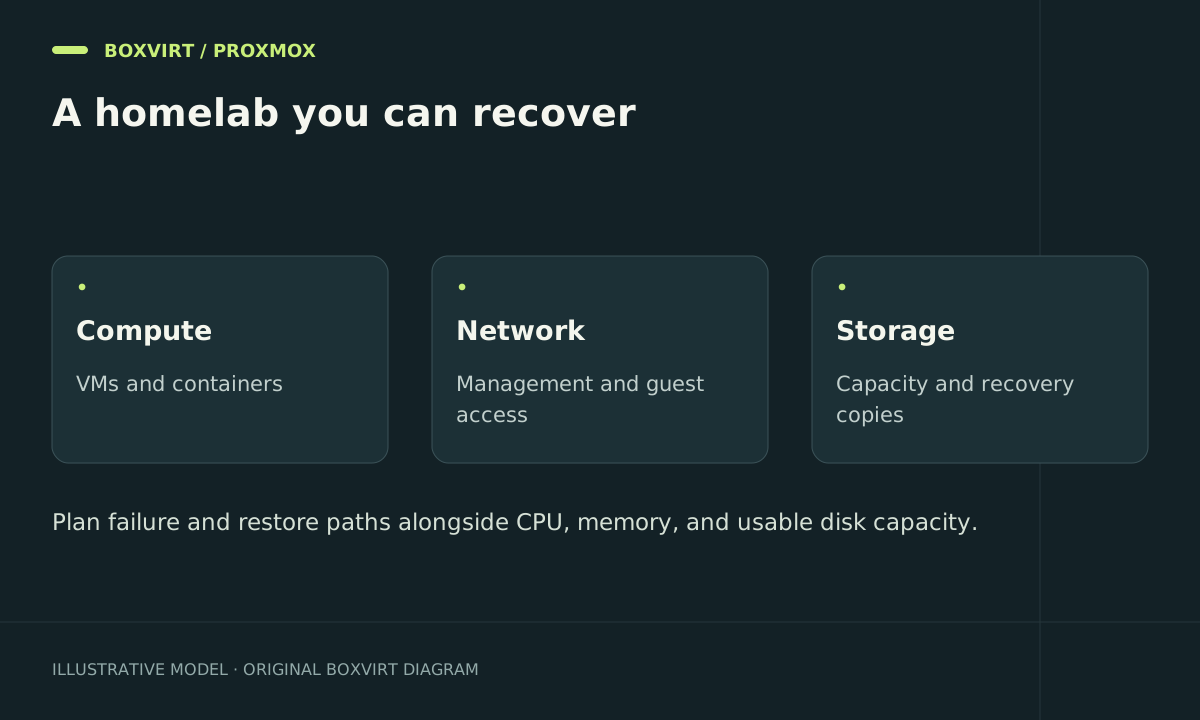
Set recovery targets in plain terms. If losing a day of edits is acceptable, a daily backup might meet the data-loss target; it still needs a measured restore time. If a service must return within an hour, test whether spare capacity, backup transfer, and application checks actually fit that hour.
Follow the Proxmox backup guide to account for external mounts and application data. Restore a small guest under a new ID on an isolated network and record the result. Also preserve enough host and network information to rebuild the platform that performs the restore.
Keep a small operating record
Document guest owners, VM IDs, storage, network allocations, update windows, backup schedules, and credential recovery locations. Record exact software versions when testing a procedure. Add complexity only when it solves a need you can describe and verify.
The VE 8 installation article is retained for historical environments. For a new host, choose a release within the project’s current support window and use that release’s installation documentation.
Frequently asked questions
How much RAM does a Proxmox homelab need?
Add realistic guest requirements, host overhead, and maintenance headroom. Storage choices also matter. An evaluation minimum is not a sizing rule for your services.
Do I need a cluster for my first host?
No. Start with a recoverable single host unless your learning goal or availability requirement justifies quorum, shared/distributed storage, and additional network design.
Can RAID or ZFS replace backups?
No. Storage redundancy does not provide an independent copy after accidental deletion, theft, or loss of the pool. Plan and test recovery separately.
What proves the lab is ready for important data?
A documented management path, maintained software, bounded service exposure, and a restore that recovers actual application data. A successful installation alone is only the beginning.