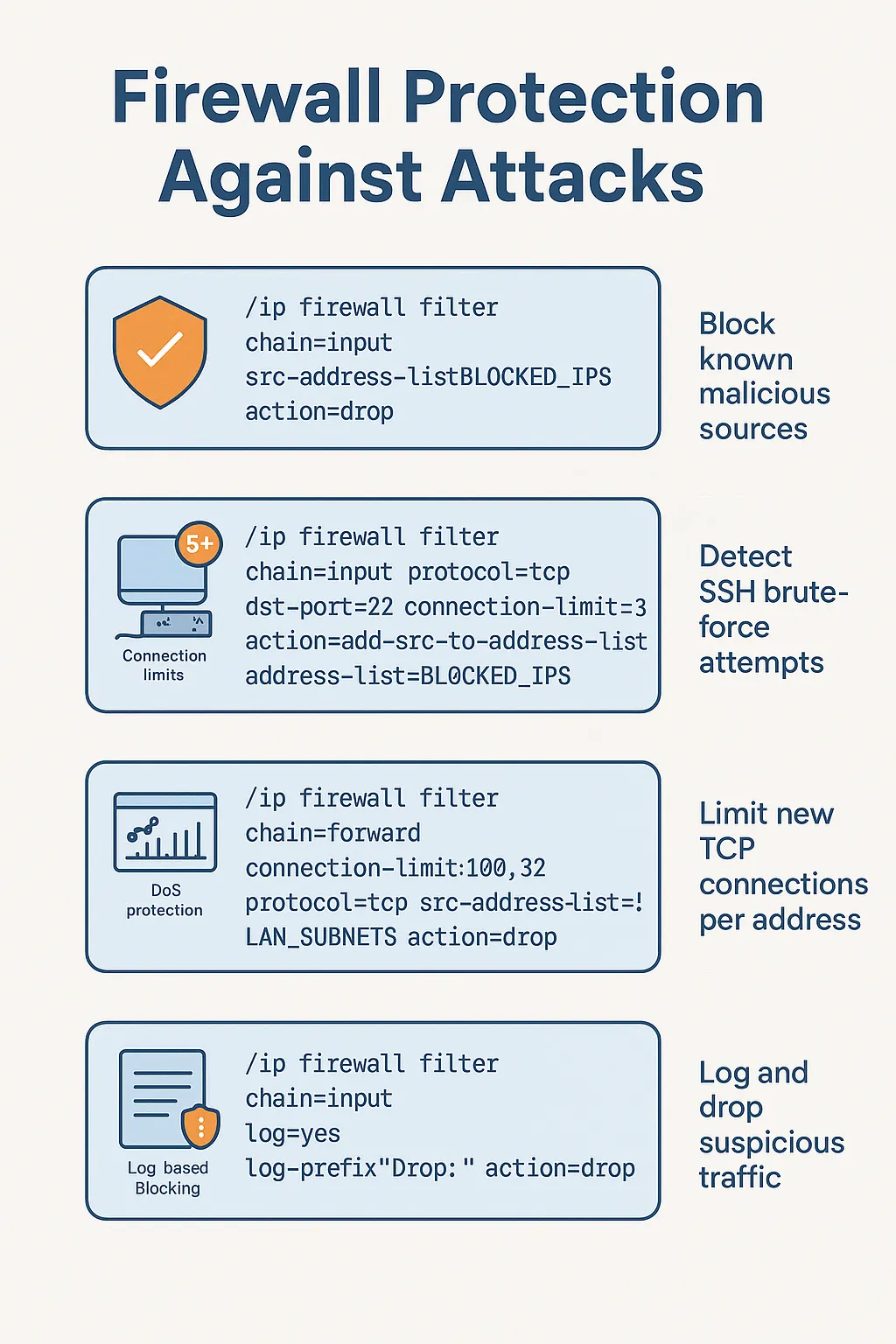
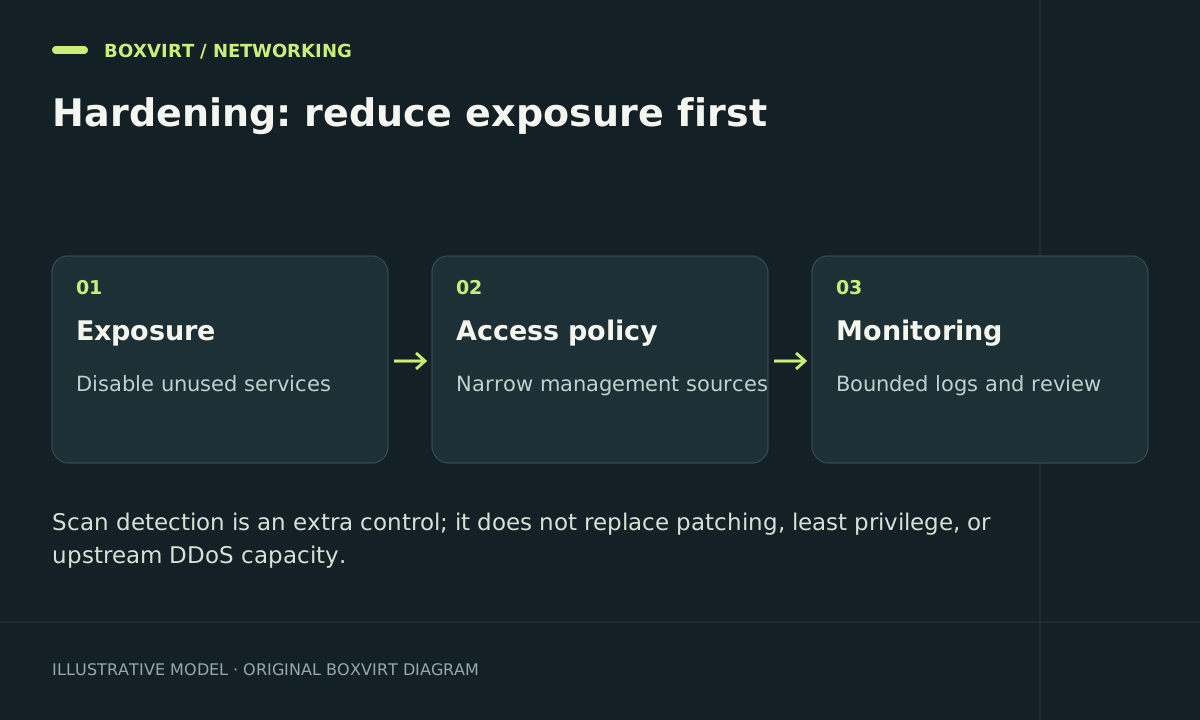
MikroTik firewall hardening starts by reducing reachable services and checking the trust boundary for each allowance. Scan detectors and dynamic blacklists can supplement that baseline, but they cannot repair unrestricted router administration or an internet link that is already saturated.
This guide prioritises exposure reduction and the safe evaluation of additional controls. For actual chain selection and initial rules, use the firewall overview and router input policy.
Establish what is reachable before adding more rules
Record the installed release and inspect enabled management services:
/system resource print
/system package print
/ip service print detail
/ip firewall filter print stats
/ipv6 firewall filter print stats
/tool mac-server print
/tool mac-server mac-winbox print
/ip neighbor discovery-settings print
Use the enabled features on your router to guide the review. The IPv6 commands do not imply that IPv6 has to be enabled, and a disabled service should not be activated simply to match an example.
From an external network you control, check whether intended public services are reachable and private administration is denied. Also test a guest segment: private addressing alone is not an administrative trust boundary.
Prioritise changes by the exposure they remove
| Priority | Change to evaluate | Verification |
|---|---|---|
| 1 | Maintain RouterOS and review security notices | Record installed version and relevant release guidance |
| 2 | Restrict administration to management or VPN clients | Fresh permitted login succeeds; guest and WAN attempts fail |
| 3 | Disable unused services and review service source restrictions | Required automation still works; unwanted listeners are unavailable |
| 4 | Limit layer-2 management and discovery to intended ports | Management works on the intended segment only |
| 5 | Review routed access to published and internal services | Both allowed and denied forward tests match policy |
| 6 | Add measured detection where the baseline leaves a real need | Observe traffic, resource cost and false positives |
Make changes through the Safe Mode and recovery workflow. Confirm a second management login before disabling the service or interface that currently carries your only session.
Changing a default administration port can reduce routine noise, but it is not a replacement for source restrictions, supported software and authentication. A publicly reachable unusual port is still a publicly reachable service.
Scope anti-spoofing rules to the actual network
Private source addresses are expected on internal interfaces and can legitimately appear on an ISP-facing link in some deployments. A rule dropping all private addresses everywhere can block administrators, upstream gateways or tunnel traffic.
For each anti-spoofing match, document the ingress where that source is impossible and the legitimate exceptions. An address list named bogons does not establish that every member is invalid on every interface. Review its actual prefixes and update ownership; the address-list guide covers the effect of shared membership.
Do not confuse packet rates with failed logins
A firewall sees network events, not necessarily application authentication results. One new TCP connection to SSH is not proof of a failed password, and many users may share one public address. Browsers, monitoring and proxies can create legitimate bursts.
Before enabling an automatic ban, specify:
- The behaviour being measured and the chain that actually sees it.
- The rate or count chosen from normal traffic observations.
- The timeout and maximum operational list growth.
- Exceptions for management, monitoring and other critical peers.
- The procedure to recover a false positive and stop it being added again.
A source-address block can affect replies to unrelated connections with that host. Raw rules act before destination translation, so do not assume that a rule matching an internal server address sees the same destination in raw as in forward. Follow the packet path before adopting an upstream example.
Observe before enforcing
Use rule counters and focused temporary diagnostics to establish whether the proposed condition occurs during normal use. Track CPU, memory and log growth. Avoid a high-volume packet generator on a production router as an informal “DDoS test”.
The backup and firewall logging guide provides a narrow, rate-limited logging example. Logs should help explain a decision; recording every dropped packet indefinitely can bury useful evidence and create extra load.
If a detection change causes collateral blocking, disable that specific detector and remove only confirmed false-positive entries from its own list. Preserve the baseline input and forward policy rather than opening all traffic during diagnosis.
Frequently asked questions
Can firewall rules stop every DDoS attack?
No. Local filtering cannot reclaim bandwidth consumed before the traffic reaches the router. Volumetric attacks may need filtering by the ISP or another upstream service; detection rules also have traffic-pattern and resource limits.
Should I automatically block every port scanner?
Only if the additional control has a clear benefit and a manageable false-positive path. Closed and properly filtered services already prevent the unwanted access; an ever-growing blacklist is not inherently better protection.
Is blocking all ICMP a good hardening shortcut?
No universal shortcut fits both IPv4 and IPv6. ICMP carries useful diagnostics and control messages, and IPv6 depends on important ICMPv6 functions. Design and test the required policy rather than dropping the protocol wholesale.
Will a VPN make router hardening unnecessary?
No. A management VPN can reduce public service exposure, but its listener, peers, permitted routes and decrypted traffic need their own policy. Lost credentials and overly broad VPN access remain operational concerns.