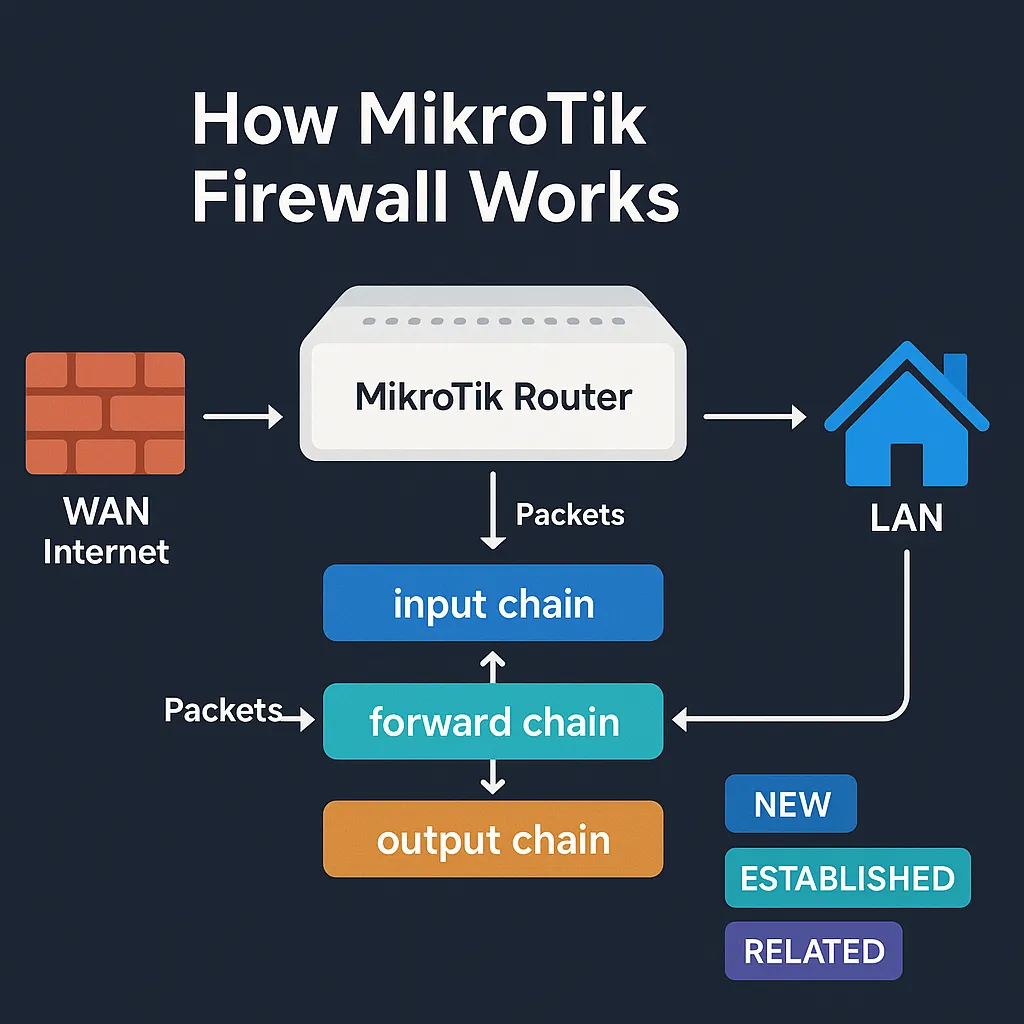
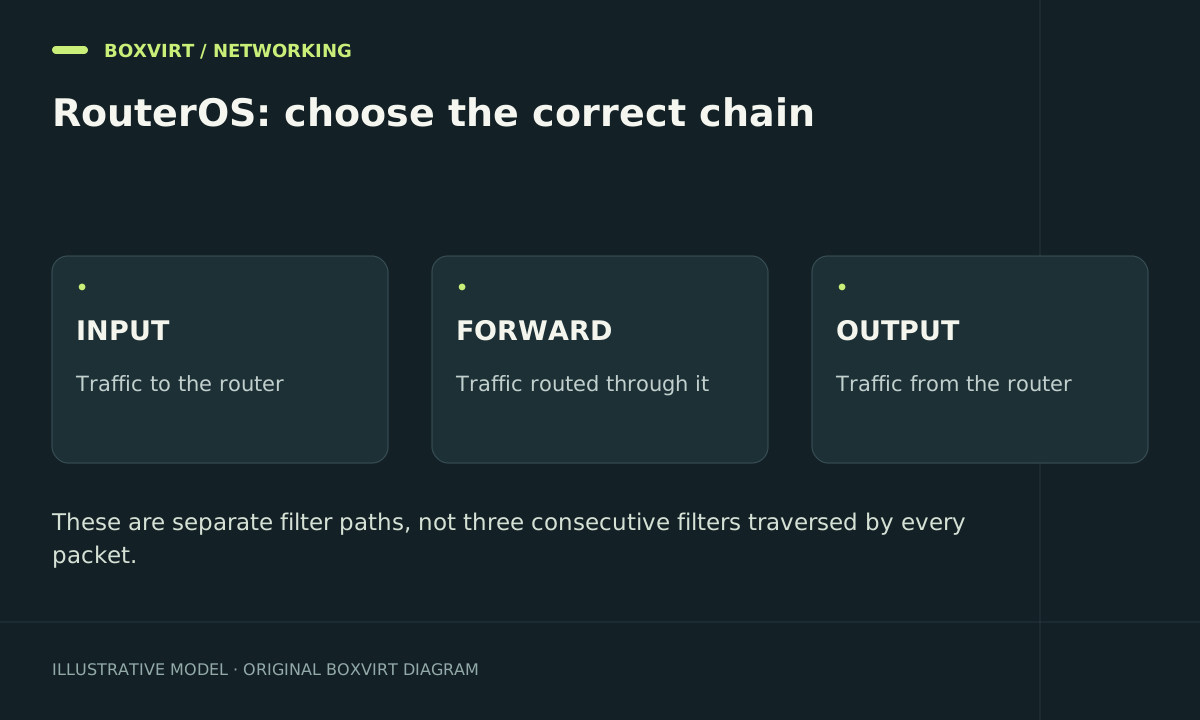
Use the MikroTik input chain for traffic to the router, forward for traffic routed through it, and output for traffic the router creates. The destination and processing path determine the chain, not whether a device is called a server or whether its address looks public.
This guide explains how to classify a connection before writing rules. It covers IP filter chains in RouterOS; bridge forwarding, hardware offload and NAT have additional processing stages.
Compare input, forward and output with one topology
Suppose a laptop uses 192.168.50.1 as its router and a server lives on a separate routed subnet at 192.168.60.100.
| Connection | Relevant filter chain | Why |
|---|---|---|
Laptop opens WinBox on 192.168.50.1 | input | The router is the destination |
| Laptop asks the router’s DNS resolver a question | input | A service on the router answers |
Laptop opens HTTPS on 192.168.60.100 | forward | The router carries traffic to another host |
| Router asks an upstream DNS server a question | output | The router creates a separate request |
| Upstream DNS server replies to that router request | input | The reply terminates on the router |
| Server replies to the laptop across routed subnets | forward | The reply passes through the router |
One user action can therefore generate multiple connections. A DNS query to a router resolver is not simply forwarded to the upstream DNS server as the same client packet: the resolver may answer from cache or create its own request.
Trace translation before classifying the destination
A visitor types the router’s public address, but destination NAT sends TCP 443 to an internal web server. For IP filtering, that delivered connection uses forward because the translated destination is another host. Opening port 443 in input would expose or permit a router service instead of fixing the server’s access policy.
The hairpin NAT guide follows this path for internal clients using a public service address. Keep NAT rules and filter rules distinct when investigating it.
Read rule order and actions together
An accept or drop action terminates processing in the current filter path. A non-terminating action such as log records a match and continues; custom chains also introduce jump and return behaviour. “First matching rule wins” hides these differences.
Use these read-only views to inspect an actual RouterOS configuration:
/ip firewall filter print detail
/ip firewall filter print stats
/ip firewall nat print stats
/interface list member print
Choose one fresh test connection and compare counters before and after. A matching source address is not enough: chain, ingress interface, protocol, port, connection state and earlier terminating rules all matter.
A rule below an earlier broad accept cannot restrict packets that the accept already permits. A newly added allowance below a final drop will not be reached. Read the whole chain rather than judging a line in isolation.
Separate packet identity from connection state
Connection tracking describes a packet as new, established, related, invalid or untracked. It does not certify that the user or application is trustworthy. An early established allowance can keep an existing session alive while a later restriction prevents new sessions.
FastTrack adds another visibility limit: accelerated traffic can bypass normal processing. Check its documented scope before interpreting low counters as proof that a connection never passed the router. For practical service isolation and controlled new-connection tests, continue with forward-chain segmentation.
Check whether the router is actually in the path
Two clients on one Ethernet or Wi-Fi segment may exchange frames without using IP routing on this router. Inter-VLAN traffic that uses the MikroTik as its gateway is a different case. A forward-chain rule is not a universal control for every device attached to a bridge.
Avoid enabling bridge IP firewall processing simply to make a counter increase: it can change performance and the traffic paths being filtered. First establish the topology and applicable bridge or switch features.
A useful troubleshooting record
Write down source IP, destination IP, protocol, destination port, ingress interface and expected egress. Note the addresses before and after any translation. Then record the expected chain, the rule that should decide the packet, and the counter change during your test.
For example, “guest cannot reach NAS” is incomplete. “Guest 192.168.70.20 initiates TCP 443 to 192.168.60.100 through the VLAN gateway; the forward deny counter increments” identifies a policy decision. A timeout without counter evidence could instead be a missing route or host firewall.
Frequently asked questions
Does input mean all traffic coming into an interface?
No. In the IP filter table it means traffic delivered to the router itself. A packet entering an interface on its way to another host normally belongs to forward.
Does output control internet access for my LAN?
Not the LAN client’s routed packets. Those use forward. Output controls requests originated by the router, including its own DNS queries and update connections.
Why does an IPv4 rule not block the same service over IPv6?
IPv4 and IPv6 filters are separate. Test the actual address family used by the client and inspect /ipv6 firewall filter when IPv6 is enabled.
Which guide should I use to change the rules safely?
Start with firewall preparation and Safe Mode, then use input-chain management restrictions for router services or the forward guide for transit traffic.