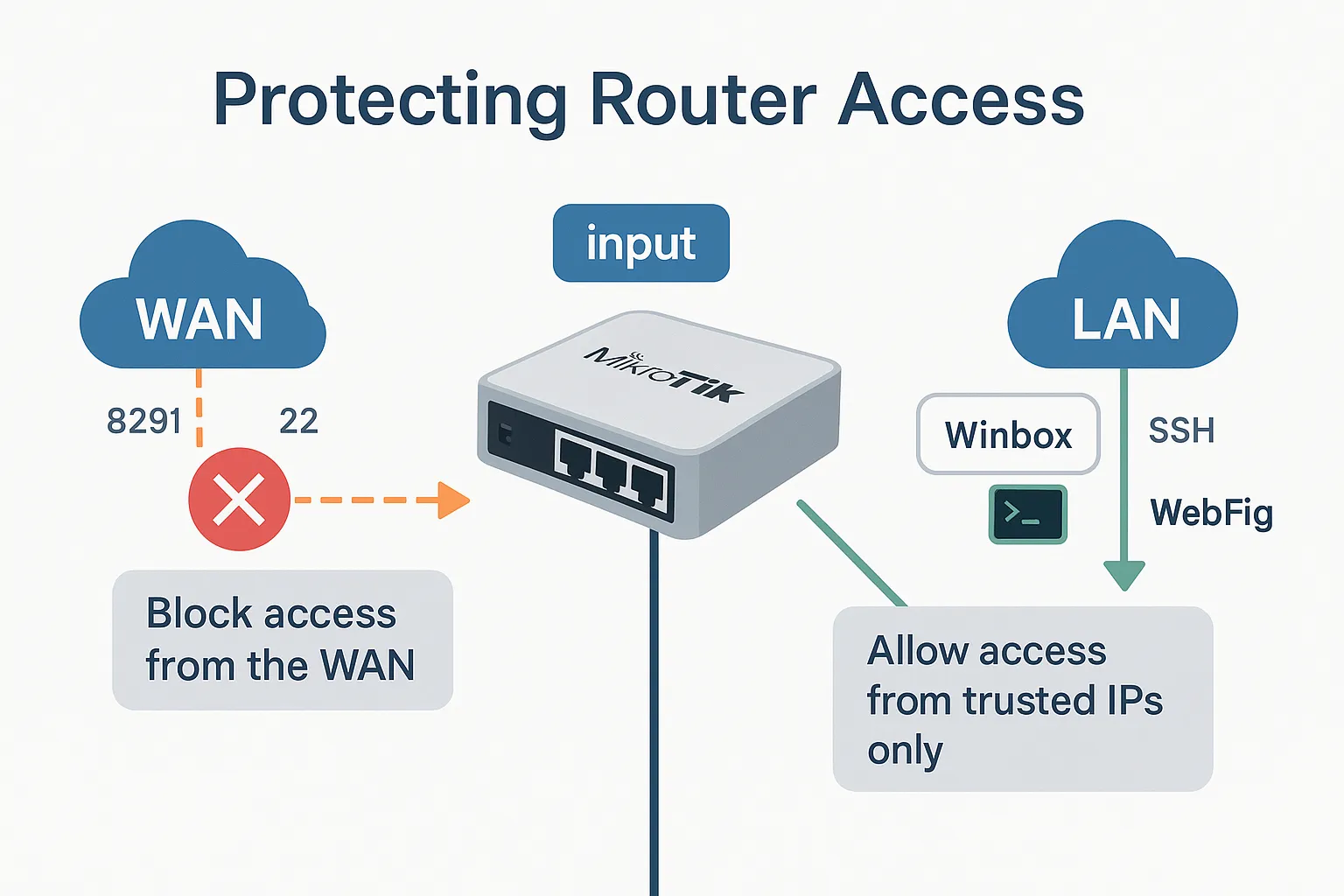
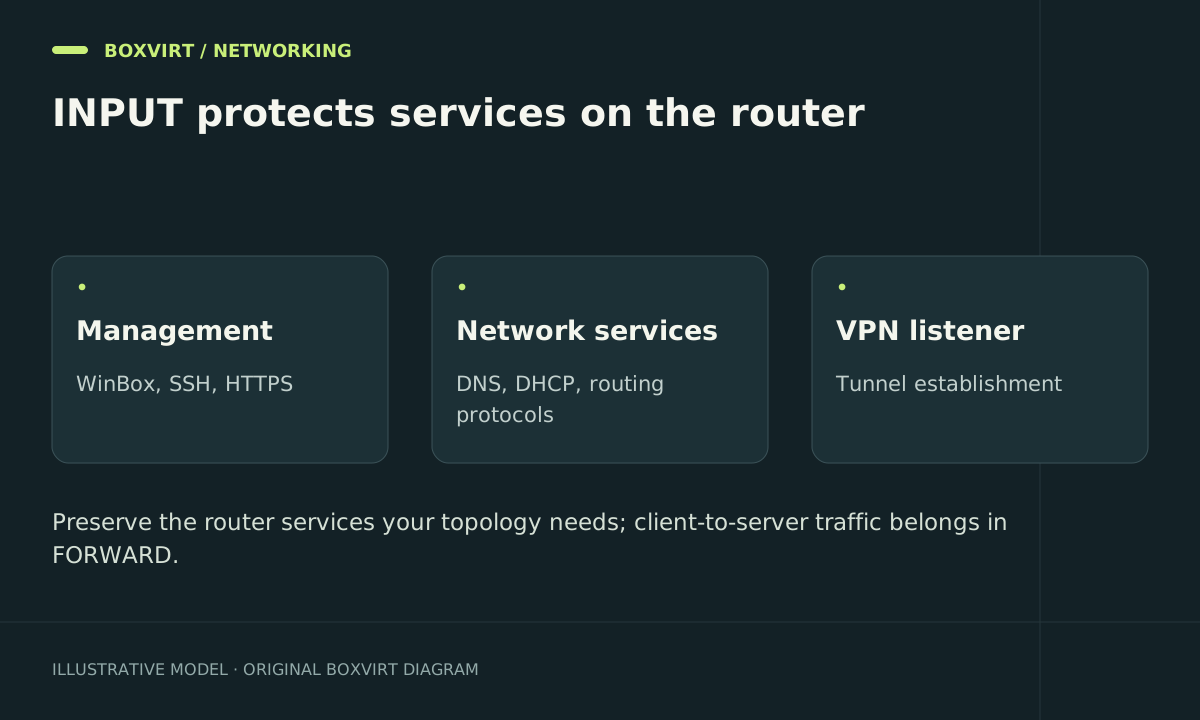
The MikroTik input chain controls IP traffic addressed to the router, including management, DNS requests and VPN handshakes. A good input policy permits each required service from its intended clients and denies other access without disrupting the network’s control traffic.
This RouterOS 7 guide focuses on protecting router services. It does not replace forward-chain segmentation for clients reaching other hosts. The examples are candidates for an existing reviewed ruleset, not a complete firewall to paste over a live router.
Inventory every service that terminates on the router
Start by inspecting the services and interface roles:
/ip service print detail
/ip dns print
/interface list member print
/ip firewall filter print detail where chain=input
/ip firewall filter print stats where chain=input
Then build a service matrix. Include the services you use, rather than assuming this illustrative list is complete:
| Service | Intended origin | Important distinction |
|---|---|---|
| SSH or WinBox | Management workstation or management VPN | Ordinary internal clients are not automatically administrators |
| DNS resolver | Selected LAN or VPN clients | Only needed if the router answers their queries |
| DHCP server | Applicable client segment or relay | Initial DHCP traffic may not have a normal leased client source address |
| WireGuard listener | WAN, according to the VPN design | Its encrypted UDP traffic is input; decrypted service traffic may be forward |
| ICMP and IPv6 control traffic | According to network role | Blanket blocking can break useful network behaviour |
| Routing or monitoring protocols | Explicit peers or monitoring systems | Add only if this router actually runs them |
A router that forwards a client’s DNS request to a separate server is a different path from a router running the resolver. Identify the destination before deciding on rules; the firewall chains guide gives a concrete comparison.
Prepare a second administration path
Save configuration and use Safe Mode in small steps. Keep console or suitable out-of-band access available. Confirm the actual ingress interface for a new login; a VPN connection may arrive on its tunnel interface rather than the physical LAN port.
For an example workstation at 192.168.50.10 on interface vlan-management, create an SSH allowance disabled:
/ip firewall filter add chain=input action=accept in-interface=vlan-management src-address=192.168.50.10/32 protocol=tcp dst-port=22 disabled=yes comment="Boxvirt input management SSH"
Replace the interface, source and port to match your deployment. Place the rule before the relevant input deny, inspect earlier broad accepts, and enable it only after reviewing the result. If several administrators need access, an audited management address list can replace repeated source addresses.
This rule does not narrow an existing “accept everything from LAN” permission. That earlier rule must be assessed separately before guest or ordinary client management access is actually removed.
Add required client services explicitly
If the router is deliberately your management segment’s DNS resolver, a separate disabled candidate can illustrate the scope for UDP DNS:
/ip firewall filter add chain=input action=accept in-interface=vlan-management src-address=192.168.50.0/24 protocol=udp dst-port=53 disabled=yes comment="Boxvirt input management DNS UDP"
/ip firewall filter add chain=input action=accept in-interface=vlan-management src-address=192.168.50.0/24 protocol=tcp dst-port=53 disabled=yes comment="Boxvirt input management DNS TCP"
Both transports matter for a resolver. These examples do not enable remote DNS requests or cover a guest network. If another server handles DNS, do not enable the router’s resolver merely to match a tutorial.
Build the remaining policy around the actual topology: expected return traffic, handling of invalid traffic appropriate to the routing design, required new services, and a deliberate final denial. This article does not supply a universal final-drop command because a missed VPN, relay or routing requirement could sever legitimate access.
Restrict the service layer and other management paths
Review /ip service source restrictions, authentication and unused services in addition to the firewall. Current and older RouterOS releases differ in property names, so use the installed release’s help instead of copying obsolete syntax. Service-level restrictions supplement the packet policy.
MAC WinBox, MAC Telnet and neighbour discovery need their own interface scope. IPv4 input rules do not cover those layer-2 facilities or the separate IPv6 filter. Keep any recovery mechanism deliberate rather than accidentally exposed to guest ports.
Validate access and roll back a failed change
Open a fresh SSH login from the permitted workstation, then attempt the same service from a guest client. Confirm the deciding counters. Check DNS using both UDP and TCP if the router is a resolver; renew a DHCP lease and reconnect a VPN if these roles are present.
Test IPv6 independently where enabled. A hostname may choose IPv6 even when the IPv4 test is correctly denied.
If the candidate breaks the intended behaviour, use the retained session to disable only its uniquely commented rule and restore the preceding policy. Do not remove every input rule to recover one service. Commit the change only after new logins and required network services pass.
Frequently asked questions
Is accepting everything from LAN safe?
Only if that list exactly matches the intended trust boundary. A list containing guests, IoT devices or a broad VPN group grants those clients the same allowance. Service-specific permissions are easier to review.
Why does a WinBox session survive after I block management?
It may already be established and match an earlier stateful allowance. Test a new login to check the policy for new connections.
Should DNS be open on the WAN?
Not for an internal resolver. Permit only the intended clients; an unrestricted public recursive resolver can create unwanted exposure and traffic. A deliberate public authoritative DNS deployment is a different service design.
Does input filtering protect servers behind a port forward?
Their translated connections normally use forward. Input protects services on the router itself; review the forward policy for published internal services.