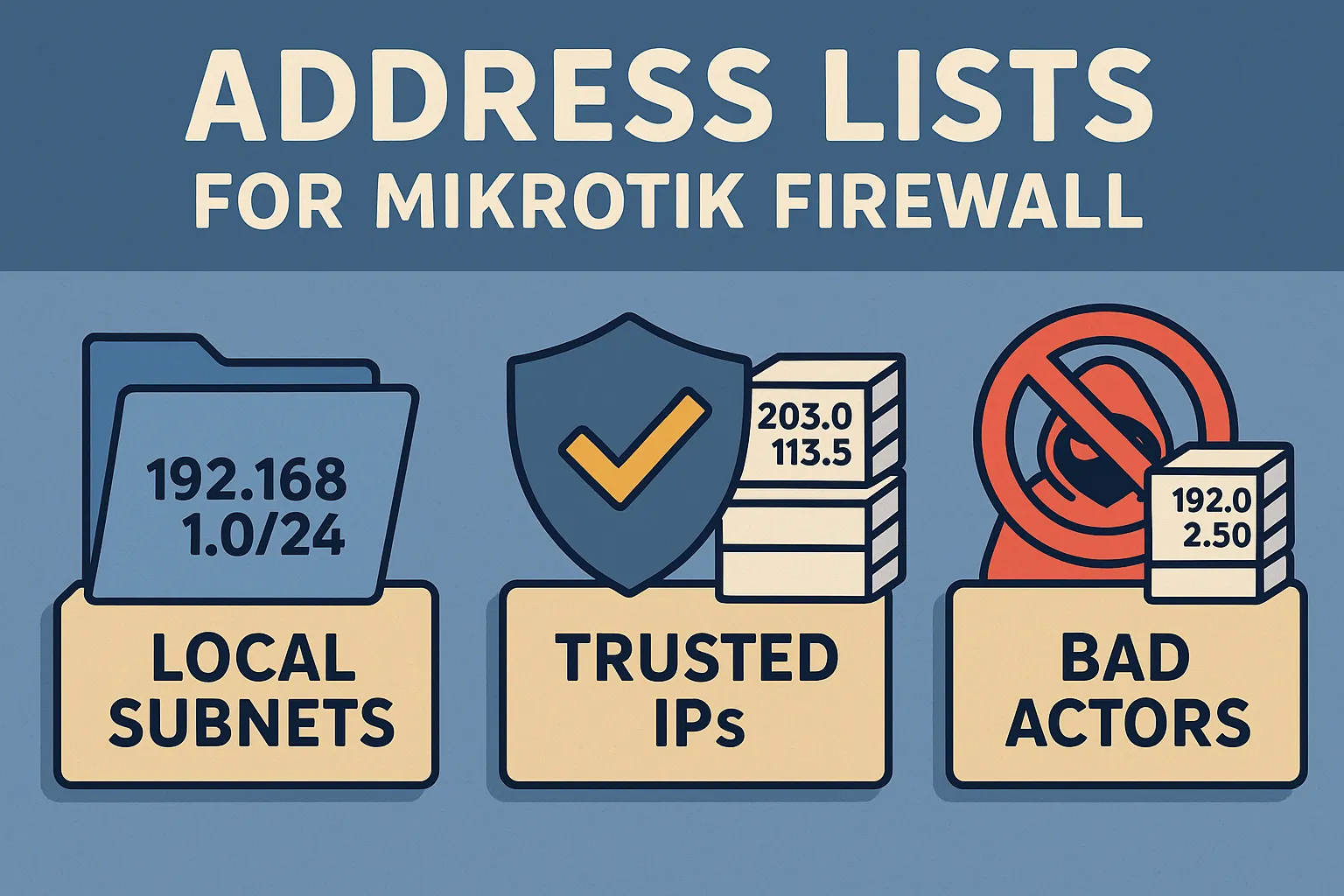
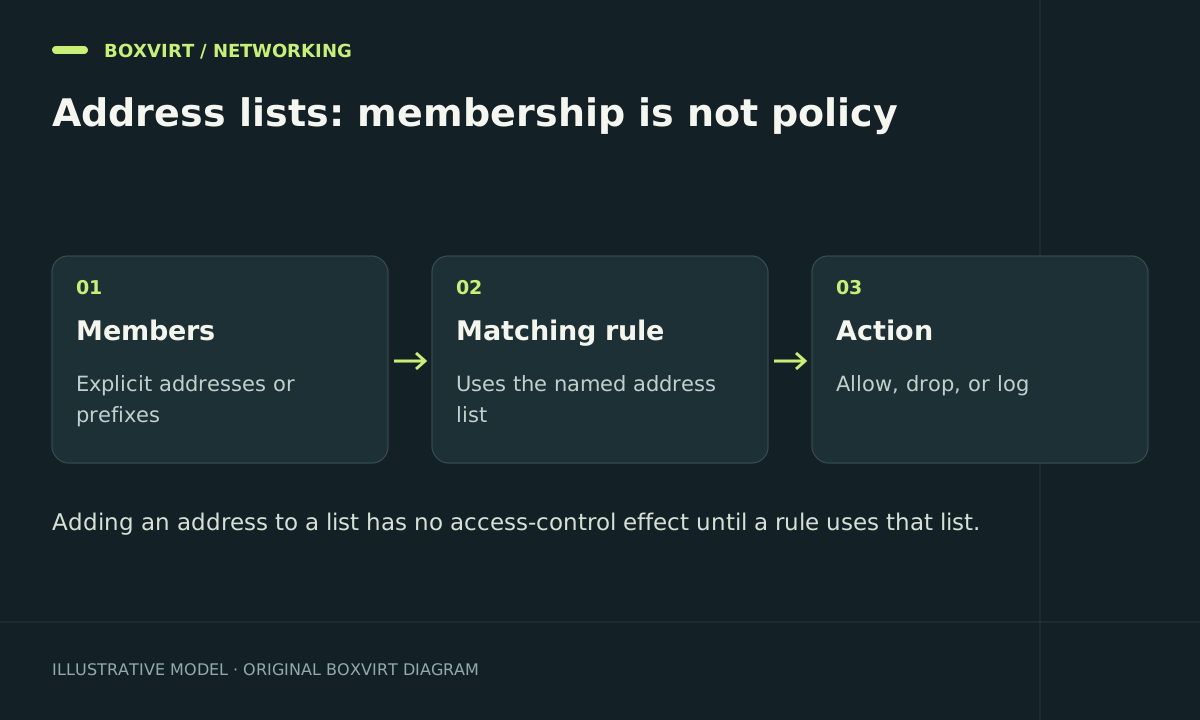
A MikroTik address list groups IP addresses or networks so rules can refer to a purpose such as management-clients rather than repeat individual addresses. The list itself allows or blocks nothing. Its effect comes from the filter, NAT, mangle or raw rules that reference it.
This RouterOS 7 example gives one management workstation a named identity for a narrow SSH rule. It also explains temporary entries, DNS names and mistakes that can silently widen access.
Choose names that describe a policy role
Compare management-clients, nas-backup-clients and temporary-investigation with a single list named trusted. Purpose-specific names make it easier to judge the effect of adding a member. One broad trust list may be referenced by several unrelated services.
Before changing membership, inspect the rules that use the name. Review more than filter rules if your configuration also uses the list for translation or routing marks.
/ip firewall filter print detail
/ip firewall nat print detail
/ip firewall mangle print detail
/ip firewall raw print detail
The example workstation is 192.168.50.10/32. Check the actual lease, reservation or static assignment rather than assuming that address still belongs to the administrator.
Add one address and use it in a scoped rule
/ip firewall address-list add list=management-clients address=192.168.50.10/32 comment="Boxvirt management workstation"
/ip firewall address-list print where list=management-clients
The following candidate permits SSH only from that list and a specific management ingress. Replace vlan-management with the real interface; the command will not create that interface. It starts disabled so it cannot unexpectedly change access when pasted.
/ip firewall filter add chain=input action=accept in-interface=vlan-management src-address-list=management-clients protocol=tcp dst-port=22 disabled=yes comment="Boxvirt management SSH candidate"
Use the safe-change procedure to place and enable it before the relevant input deny. Existing broad accepts may already permit other sources, so adding this candidate alone does not restrict SSH. The SSH service must also be enabled, listening on the stated port and configured to accept the intended source.
For the complete policy boundary, see MikroTik input-chain restrictions. Keeping the list example narrow prevents it from becoming an accidental “allow all router services” recipe.
Understand prefix size before adding a network
192.168.50.10/32 matches one IPv4 address. 192.168.50.0/24 includes the whole subnet; a much broader 192.168.0.0/16 includes many potential guest and server networks. Use the Subnet Calculator to inspect the covered range.
A list is address matching, not authentication. Membership does not prove the user’s identity or prevent spoofing. Combine source matching with the intended ingress network and service authentication.
Use timeouts for genuinely temporary membership
A temporary investigation entry can be isolated from permanent management permissions:
/ip firewall address-list add list=temporary-investigation address=192.168.50.25 timeout=30m comment="Boxvirt temporary observation"
/ip firewall address-list print where list=temporary-investigation
A timed entry is dynamic and does not provide a permanent configuration record across a reboot. An entry added without a timeout is normally static. Inspect the dynamic flag and remaining timeout instead of assuming every list item persists alike.
To undo only this example entry, first confirm its unique comment and list, then remove that match:
/ip firewall address-list remove [find list=temporary-investigation comment="Boxvirt temporary observation"]
If an automated rule created a false positive, correct or suspend that rule as well; removing the current entry alone may let the automation immediately add it back.
Treat DNS names and feeds as changing inputs
RouterOS supports DNS-name entries and generates resolved address entries. The membership follows the router’s DNS answers; it is not a complete inventory of every endpoint used by an application. DNS caching, multiple answers and shared hosting can all affect the access boundary.
For an external blocklist, separate data parsing from script execution. Review source, size, prefixes, update failures and exception handling before referencing the feed from a live rule. Keep feed-driven denials separate from administration allow lists.
Verify membership and policy independently
First inspect the list, then make fresh connections from a member and a non-member. Compare input counters for SSH access. If both are allowed, look for an earlier accept or another access path; if neither works, inspect rule order, interface name and service settings.
When reverting the SSH example, disable its uniquely commented filter rule before removing list members. Other rules may use the same list, so do not empty an entire shared list as a shortcut.
Frequently asked questions
Can one address appear in several lists?
Yes. Lists represent roles, so one workstation may legitimately belong to more than one. Review every matching policy rather than assuming the most restrictive list overrides the others.
Why did my temporary address-list entry disappear after reboot?
Timed dynamic entries are not persistent configuration. Use an intentionally static entry for a lasting policy requirement and retain a separate audit record for temporary decisions.
Does a hostname entry filter a website by its HTTP name?
No. It supplies addresses resolved by the router. IP matching does not inspect a browser’s requested hostname and can affect other services sharing those addresses.
Do IPv4 address lists also match IPv6 clients?
No. IPv6 uses /ipv6 firewall address-list and its own rules. Reusing the same list name does not share membership across address families.