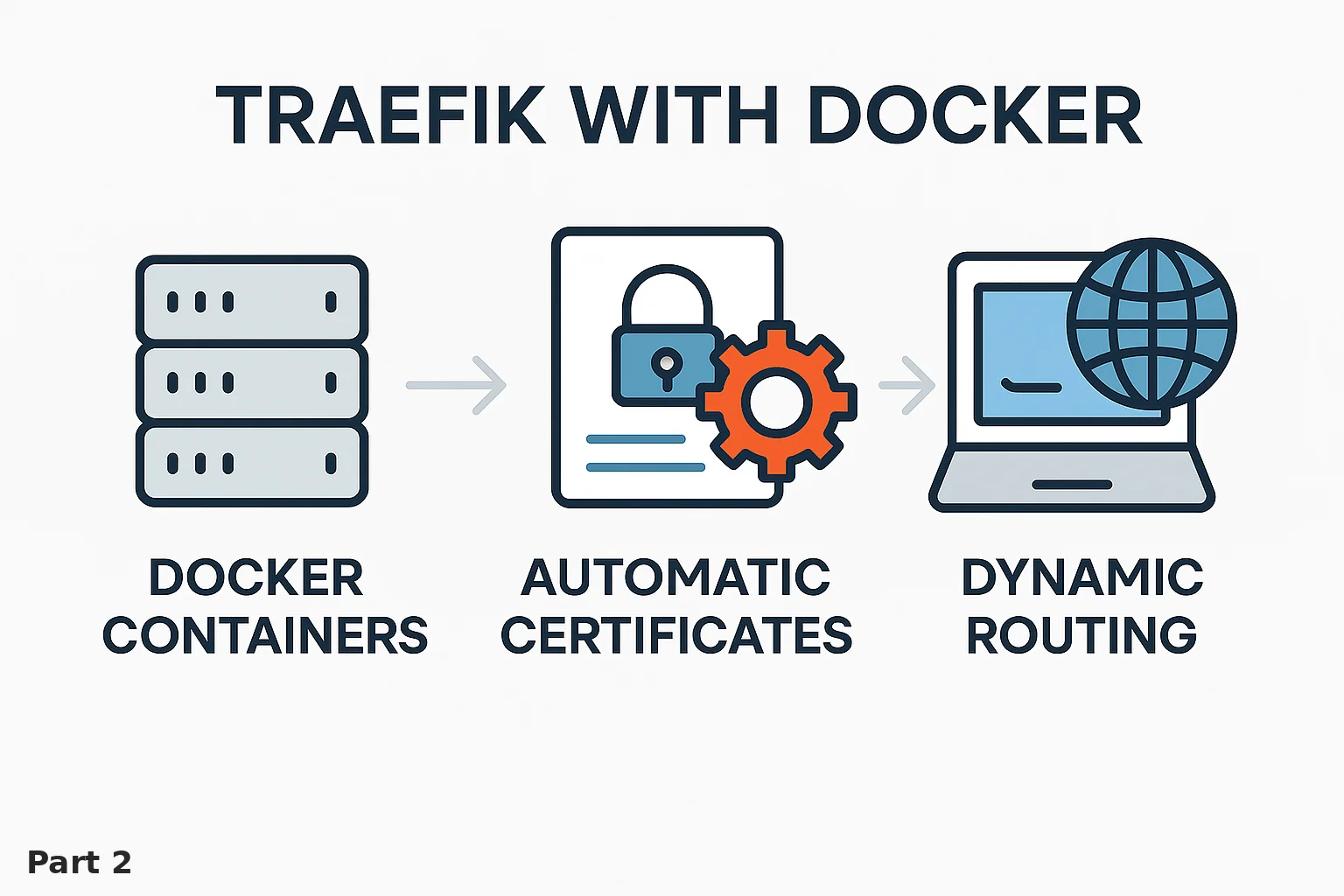
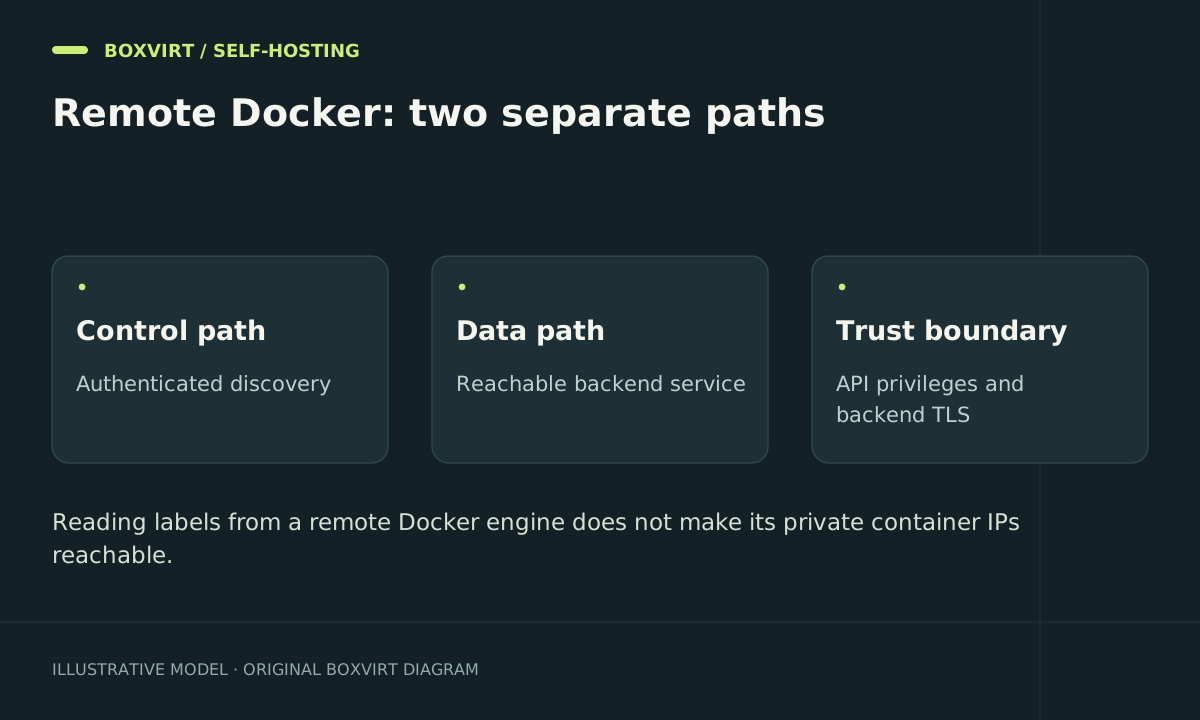
A remote Traefik Docker provider needs two working connections: authenticated access to the Docker daemon for discovery, and a reachable address for each application. Labels can be discovered successfully while requests fail because a container’s bridge IP is reachable only on the Docker host.
This example separates a proxy at 10.30.0.10 from a Docker host at 10.30.0.20 on a controlled service network. Discovery uses SSH; application traffic uses an explicitly bound private host address. These are illustrative addresses that must match your real routing and firewall design.
Decide whether automatic discovery is necessary
For a few stable applications, the Traefik file provider in LXC gives explicit routes without granting Docker API access. If the proxy and applications share one Docker host, use the same-host Docker guide instead.
For remote discovery, record both paths before configuration:
| Path | Example | What to restrict |
|---|---|---|
| Discovery | Proxy → Docker host SSH 22 | Service identity, key, verified host identity |
| Requests | Proxy → 10.30.0.20:18080 | Proxy source address and intended app port |
Do not publish a Docker daemon on an unauthenticated TCP port. A private network reduces reachability but does not give an open API authentication.
Prepare SSH access as a host-control credential
Create a dedicated SSH identity for the provider and install its public key for the intended remote account. Verify the server host-key fingerprint through an independent trusted channel, then populate the known-hosts file for the account running Traefik. Test noninteractive authentication from that same execution environment; a key loaded in your interactive shell is not automatically available to a systemd service.
The remote account needs permission to use the intended Docker daemon. Access to a conventional rootful Docker socket is powerful host control; a dedicated username does not make it read-only. Treat its private key accordingly, restrict SSH reachability to the proxy, and avoid using this identity for unrelated administration. Docker documents the SSH access model and daemon security boundary.
A read-only filesystem mount of docker.sock is also not an API operation filter. If your threat model requires read-only API access, use a separately reviewed authorization/filtering design with the exact endpoints your selected provider needs. Do not claim an unrestricted SSH account provides that property.
Configure the remote provider
Merge this static fragment into a selected compatible Traefik release’s configuration:
providers:
  docker:
    endpoint: "ssh://[email protected]:22"
    exposedByDefault: false
    useBindPortIP: true
The hostname must resolve to the remote host from Traefik’s environment. Supply SSH credentials and verified known-hosts state through that service’s protected runtime configuration, not labels or URL query strings. Restart Traefik after changing static settings.
The Docker provider reference documents SSH endpoints and useBindPortIP. That setting prefers a matching host port binding; if a matching binding is absent, the provider can fall back to a container address. Consequently, it is not proof that every discovered backend is reachable remotely.
Give one application an explicit private binding
On the remote Docker host, the relevant Compose fragment for an application listening on container port 8080 is:
services:
  notes:
    image: ${NOTES_IMAGE:?Set the application's exact supported image reference}
    ports:
      - "10.30.0.20:18080:8080"
    labels:
      traefik.enable: "true"
      traefik.http.routers.notes.rule: "Host(`notes.example.com`)"
      traefik.http.routers.notes.entrypoints: "websecure"
      traefik.http.routers.notes.service: "notes"
      traefik.http.routers.notes.tls.certresolver: "public"
      traefik.http.services.notes.loadbalancer.server.port: "8080"
This is a routing fragment, not a complete application deployment. Choose the actual image, persistent storage, account setup, and release-specific settings from the application’s instructions. The proxy must already have websecure and resolver public configured.
The service-port label refers to the container port. The matching private host binding in this example is 10.30.0.20:18080. Restrict that host port to the proxy and verify the effective Docker/host/upstream firewall path. A private IP binding alone does not enforce a source allowlist.
For TLS on the backend connection, configure that application’s HTTPS port and verified server transport separately. SSH encrypts the discovery connection; it does not encrypt an unrelated HTTP request path.
Verify discovery and routing independently
Start with one disposable service and test from the proxy host:
curl --head http://10.30.0.20:18080
Use only a diagnostic request without sensitive credentials when checking an HTTP backend. Then request https://notes.example.com with normal TLS verification and test the application’s real login through HTTPS.
Inspect protected logs or a protected administrative view to confirm the backend Traefik selected. Verify an unrelated unlabelled container receives no public route, and confirm the application’s private host port cannot be reached from an unauthorized network.
Finally, stop the test service and confirm its route updates as intended. Preserve the previous static provider configuration for rollback. If discovery fails, check SSH identity and daemon permissions. If it discovers a route that returns gateway errors, check the selected IP, binding, firewall, and application listener before changing authentication.
Frequently asked questions
Why do Docker labels appear but requests return 502 or time out?
Discovery and traffic use different connections. A local Docker bridge address may not be routable from the proxy, or the selected port may not match the listener. Inspect the actual backend address rather than adding more labels blindly.
Does useBindPortIP make every remote container reachable?
No. The selected container port needs a suitable matching binding, and the proxy needs a route and firewall permission to that bound address. Missing bindings can still lead to an internal container IP.
Can I bind the remote app to 127.0.0.1?
Not for direct access from a separate proxy host. That address is the remote host’s loopback and needs a deliberate tunnel or another access design. Do not replace it with an unrestricted public binding as a shortcut.
Is SSH discovery a least-privilege Docker API?
It is authenticated transport. Docker daemon permissions remain a separate authorization question; conventional socket access can control the host. Use explicit file-provider routes if granting that capability is unnecessary.