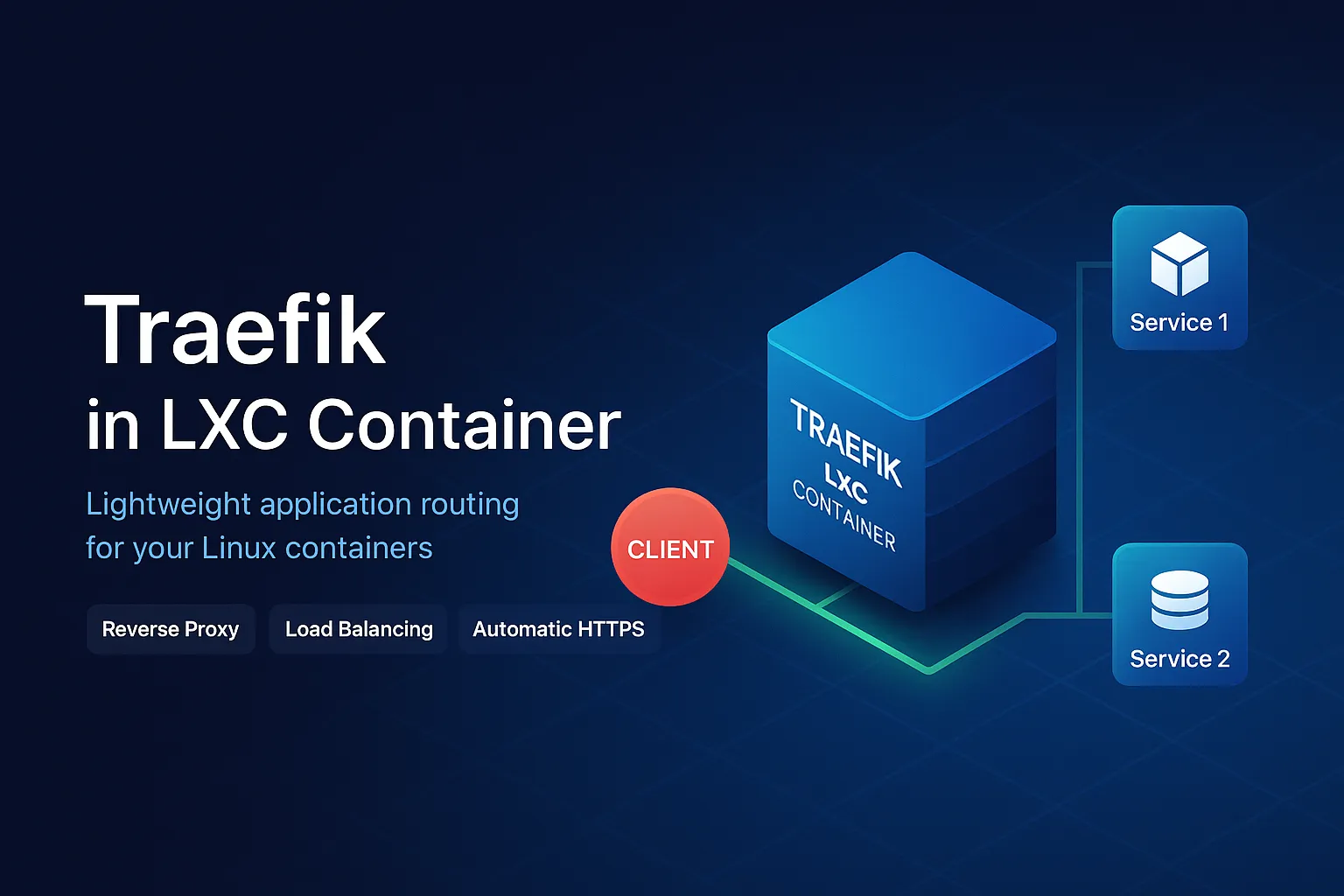
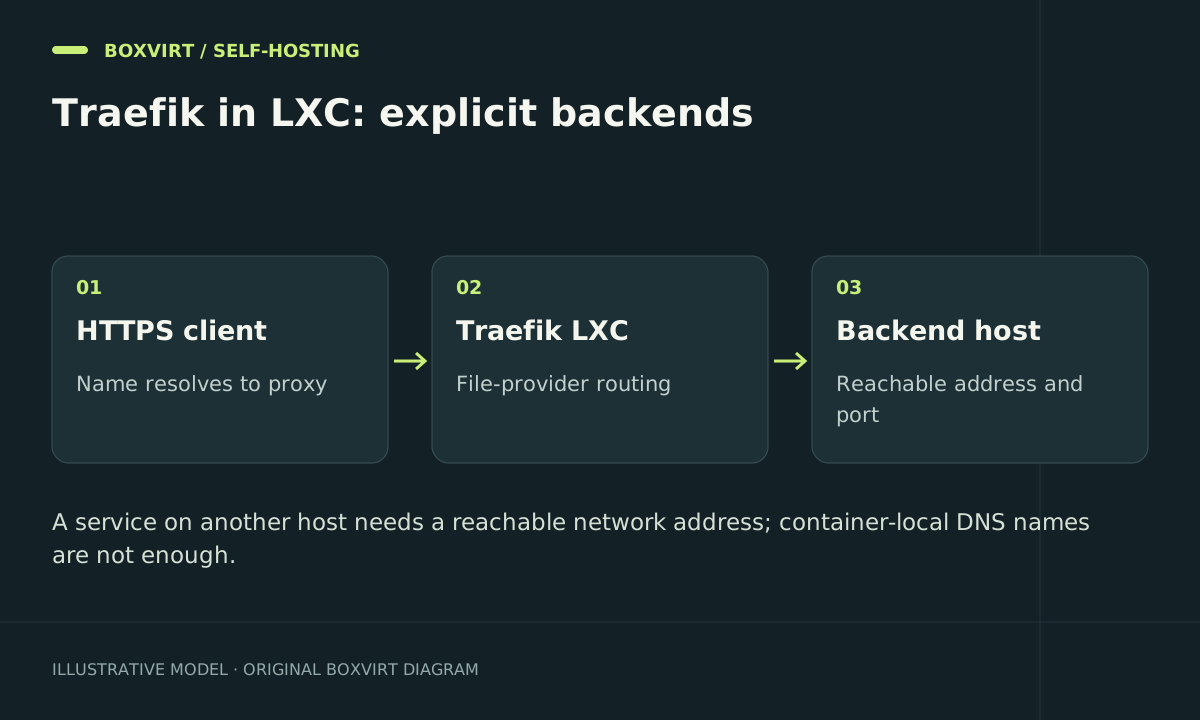
A standalone Traefik process in Proxmox LXC can route to services on other machines using the file provider, without installing Docker or accessing a Docker daemon. Define entrypoints and providers in static configuration, then define each hostname and backend in dynamic configuration.
This example uses an unprivileged, systemd-based Linux container, a selected Traefik v3 release, and a backend with a certificate signed by your private CA. Adapt every example hostname and address before use. The templates are documentation-backed configuration, not a report of a completed lab deployment.
Prepare the LXC and network paths
Assign the proxy a stable address, such as 192.168.50.10, on a suitable service network. Permit client traffic to the intended proxy ports and allow the proxy to reach only required backends. Retain management over a trusted path.
For this example, notes.example.com must resolve publicly to the ingress address, and TCP 80 and 443 must reach the proxy. HTTP-01 certificate validation requires public port 80; a private-only hostname needs a different certificate strategy. Do not publish Proxmox or an application’s administrative port simply to make a route easier to test.
Read the Proxmox networking guide if the LXC bridge or VLAN attachment is unclear. LXC shares the host kernel; compare a small VM if your public proxy requires a separate guest kernel.
Install a selected binary and service account
Obtain the architecture-matched archive and checksum information for a specific official Traefik release. Verify the downloaded artifact, install its binary at /usr/local/bin/traefik, and record the release. Do not treat a moving download URL as an exact version pin.
Create a dedicated traefik system account with no login shell. Prepare root-owned configuration directories /etc/traefik/dynamic and /etc/traefik/pki, readable by that service account. Create /var/lib/traefik owned by traefik, mode 0700, for sensitive certificate state. Place your backend CA certificate at /etc/traefik/pki/backend-ca.pem; no CA private key belongs there.
Set static configuration
Save /etc/traefik/traefik.yaml, replacing the contact email with your own:
entryPoints:
  web:
    address: ":80"
    http:
      redirections:
        entryPoint:
          to: websecure
          scheme: https
  websecure:
    address: ":443"
providers:
  file:
    directory: /etc/traefik/dynamic
    watch: true
certificatesResolvers:
  public:
    acme:
      email: [email protected]
      storage: /var/lib/traefik/acme.json
      httpChallenge:
        entryPoint: web
log:
  level: INFO
This uses one watched directory rather than a single mounted file. Traefik’s file-provider documentation explains configuration watching and filesystem replacement considerations. Changes to static configuration require a process restart; dynamic route changes are handled by the provider.
Use the ACME staging process while debugging first issuance, with separate state. The template above uses the resolver’s production default, so prepare DNS and ingress before starting it. Do not repeatedly retry production issuance with known-broken DNS.
Add an explicit HTTPS backend route
Save /etc/traefik/dynamic/notes.yaml:
http:
  routers:
    notes:
      rule: "Host(`notes.example.com`)"
      entryPoints: [websecure]
      service: notes
      tls:
        certResolver: public
  services:
    notes:
      loadBalancer:
        serversTransport: notes-ca
        servers:
          - url: "https://notes.internal.example.com:8443"
  serversTransports:
    notes-ca:
      rootCAs:
        - /etc/traefik/pki/backend-ca.pem
The LXC must resolve notes.internal.example.com and reach port 8443. The backend certificate must cover that hostname and chain to the supplied CA. This preserves verification on the proxy-to-app connection; a valid browser-facing certificate does not authenticate the backend by itself. See the ServersTransport reference.
Run under systemd
For a guest supporting these systemd controls, save /etc/systemd/system/traefik.service:
[Unit]
Description=Traefik reverse proxy
Wants=network-online.target
After=network-online.target

[Service]
User=traefik
Group=traefik
WorkingDirectory=/var/lib/traefik
ExecStart=/usr/local/bin/traefik --configFile=/etc/traefik/traefik.yaml
Restart=on-failure
RestartSec=5s
AmbientCapabilities=CAP_NET_BIND_SERVICE
CapabilityBoundingSet=CAP_NET_BIND_SERVICE
NoNewPrivileges=true
ProtectSystem=strict
ProtectHome=true
PrivateTmp=true
ReadWritePaths=/var/lib/traefik
UMask=0077

[Install]
WantedBy=multi-user.target
The systemd execution reference defines these settings. Check support inside your unprivileged guest; capability or namespace restrictions can differ with host policy. A service startup denial is a reason to inspect that policy, not to switch the whole LXC to privileged mode.
After checking ownership and configuration:
sudo systemd-analyze verify /etc/systemd/system/traefik.service
sudo systemctl daemon-reload
sudo systemctl enable --now traefik
sudo systemctl status traefik --no-pager
Unit verification checks systemd syntax and dependencies; it does not prove Traefik’s configuration or network reachability.
Verify and recover
From the LXC, test the backend with its CA:
curl --cacert /etc/traefik/pki/backend-ca.pem --head https://notes.internal.example.com:8443
Then test HTTP redirection and valid HTTPS through the public hostname, inspect application behavior, and review the service journal. Keep a known-good dynamic file outside the watched directory. On a routing failure, restore it and confirm reload in logs. For a broken static change, restore the previous file and restart the service.
Frequently asked questions
Do I need Docker inside the LXC for this setup?
No. The standalone binary and file provider route to explicit network backends. For applications beside a Docker-based proxy, use the separate same-host Docker setup.
Why does Traefik return 502 while the application works locally?
Test DNS, firewall access, listener address, and backend TLS from the proxy LXC. An application bound to another machine’s loopback is not reachable through that machine’s ordinary LAN address.
Should I disable certificate verification for my private CA?
No. Supply the intended CA and a backend hostname covered by the certificate. Confirm the URL and certificate identity instead of accepting every server certificate.
Can this LXC discover remote Docker containers later?
Yes, with a separate API trust and backend reachability design. Follow the remote Docker provider guide before granting that capability.