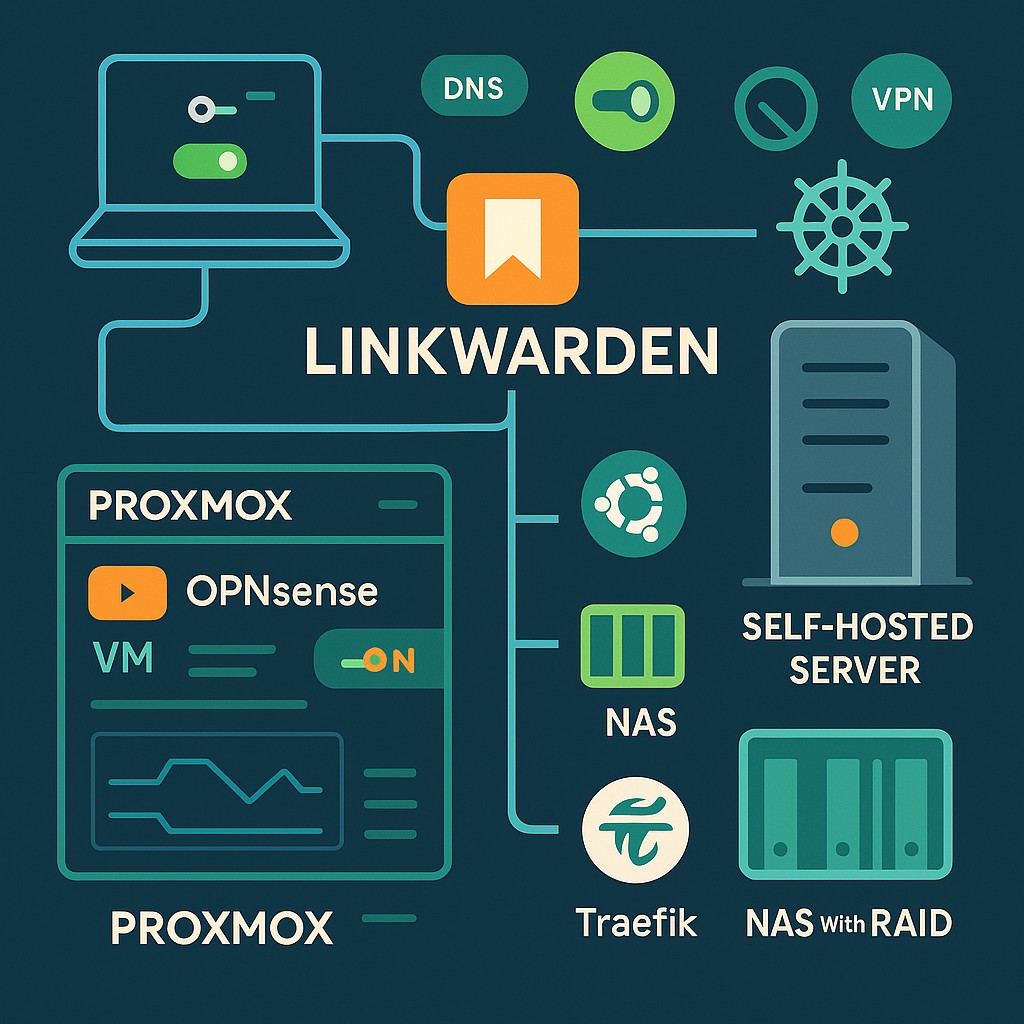
Self-host Linkwarden with the deployment files from a specific selected release, private generated secrets, and persistent storage for the database and preserved content. A bookmark row, a page screenshot, and a search index are different pieces of state; a useful recovery plan accounts for each.
This procedure follows the upstream Compose deployment model. Resolve the release, image references, and environment sample together rather than combining files from different tutorials. The upstream main branch is useful for inspection but is not an immutable deployment version.
Inspect the stack you are going to run
Obtain docker-compose.yml and .env.sample from the same selected upstream release or commit. Retain that release identifier and review the files before starting containers.
The upstream Compose file inspected for this review contains PostgreSQL, Linkwarden, and Meilisearch. Its bind mounts include ./pgdata, ./data, and ./meili_data. Confirm those names in your selected version; they are not a promise that every future release has the same layout.
Record each image reference and replace moving application tags with an exact compatible release or digest. Do not independently upgrade the database or search engine to unrelated versions just to make every tag look current.
For a public HTTPS endpoint, establish the Traefik routing boundary first. Keep the first account creation behind trusted access.
Create private runtime configuration
In the deployment directory, initialize a private environment file without placing passwords on a shell command line:
umask 077
cp .env.sample .env
chmod 600 .env
Edit .env using your preferred editor and generate different random values for NEXTAUTH_SECRET, POSTGRES_PASSWORD, and MEILI_MASTER_KEY. A password manager or secure random generator can supply them. Hexadecimal random values avoid URL-encoding ambiguity in a database password embedded in a connection string. Keep the file outside source control and share neither it nor a fully expanded Compose rendering.
For the example hostname links.example.com, the authentication URL is:
NEXTAUTH_URL=https://links.example.com/api/v1/auth
The /api/v1/auth suffix matters; a bare site origin is not the same setting. See the environment-variable reference and upstream sample.
Do not assume Docker secret files are supported simply because another application accepts variables ending in _FILE. Use the input mechanism documented by the selected Linkwarden release.
Limit exposure and decide registration policy
Before the first start, change the application’s published port to the access model you intend. For a host-based proxy or SSH tunnel, the relevant Compose line can be:
ports:
  - "127.0.0.1:3000:3000"
For a Traefik container on the same host, use a shared proxy network and no application host port. Keep PostgreSQL and Meilisearch on their intended private networks; do not publish them just to troubleshoot an application error.
Create the initial account only through your trusted path. For a personal instance, disable further registration using the release’s documented NEXT_PUBLIC_DISABLE_REGISTRATION option after the intended account exists. Apply the change with docker compose up -d and verify that a fresh unauthenticated browser cannot create another account. If using SSO, inspect its separate new-user controls too.
Archiving causes outbound page fetches. Limit who can submit URLs and what networks the workload can reach. A private registration policy does not substitute for an egress boundary around sensitive internal services.
Start and verify real preservation
From the directory containing the reviewed deployment files:
docker compose config --quiet
docker compose pull
docker compose up -d
docker compose ps
Use the official setup reference for dependencies and release-specific changes. Investigate an unhealthy dependency before restarting the whole stack repeatedly. Treat logs as private operational data because they can contain submitted URLs and errors with configuration details.
Add a disposable public bookmark, confirm its title and saved content, and inspect the preservation formats you have enabled. Search for it, restart the application, and open the stored artifact again. Finally, test login, logout, browser-extension access if used, and registration policy through the real HTTPS hostname.
Recover database and archives together
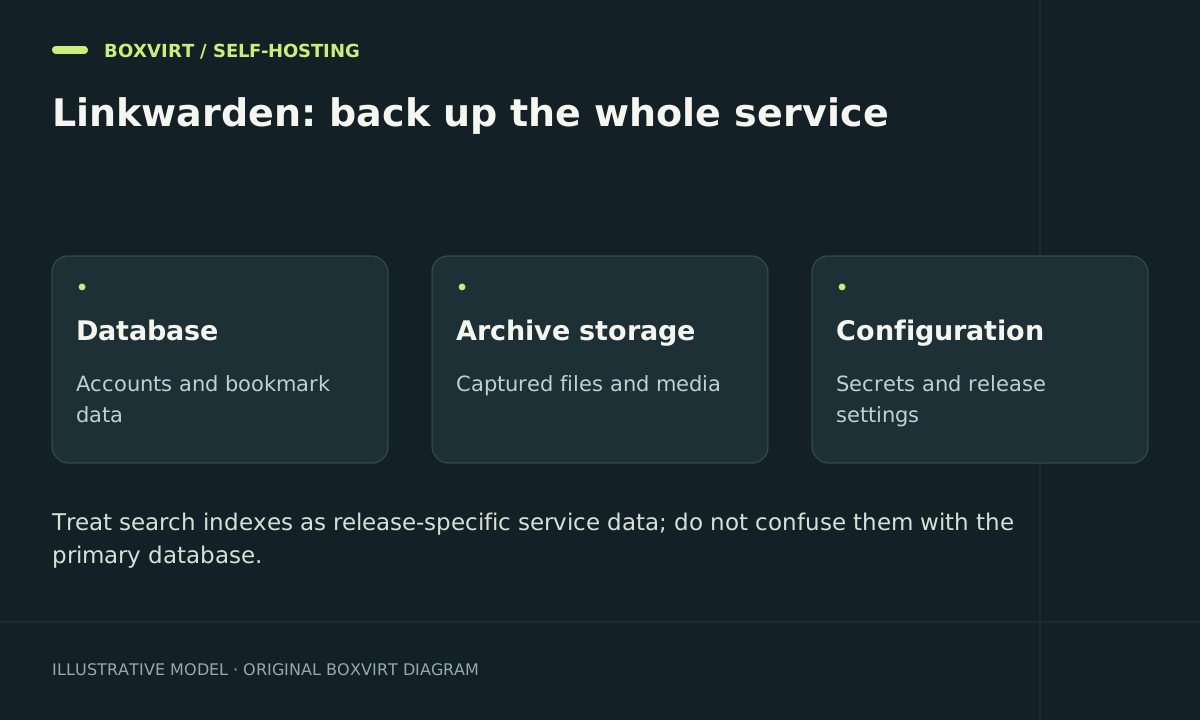
Keep a versioned inventory of database storage, preserved-content storage, search data, and runtime configuration. If object storage is configured, include the relevant bucket and credentials in the recovery plan; copying a local data directory does not capture objects stored elsewhere.
Use a consistent database backup plus matching archive files, or stop the complete instance for a coordinated filesystem recovery point. Protect backups off the host and restore into an isolated environment. Verify collections, users, one archived page, and search rather than checking only the login screen.
Retain the pre-upgrade data and old image identities. A Proxmox backup can protect a virtual Docker host, but external mounts and object storage still require explicit coverage. Do not downgrade an application against a migrated database without a supported recovery procedure.
Frequently asked questions
Why do authentication callbacks fail after setting my domain?
Check the full NEXTAUTH_URL, including /api/v1/auth, and the actual HTTPS hostname. Confirm the runtime environment was recreated after the edit and that the proxy preserves the intended host and scheme.
Can I remove Meilisearch to save resources?
Only using the instructions for the selected release. Adjust dependent services and search settings together; deleting a container from a copied Compose file can leave broken startup dependencies or enabled features.
Why are bookmarks present but screenshots missing after restore?
The database can survive while archived files are absent. Check local mount inclusion or object-storage recovery and verify the actual saved artifacts.
Is the same secret safe for PostgreSQL, sessions, and search?
Use independent generated values. They serve separate roles, and reusing one turns a leak or rotation of one component into a wider credential problem.