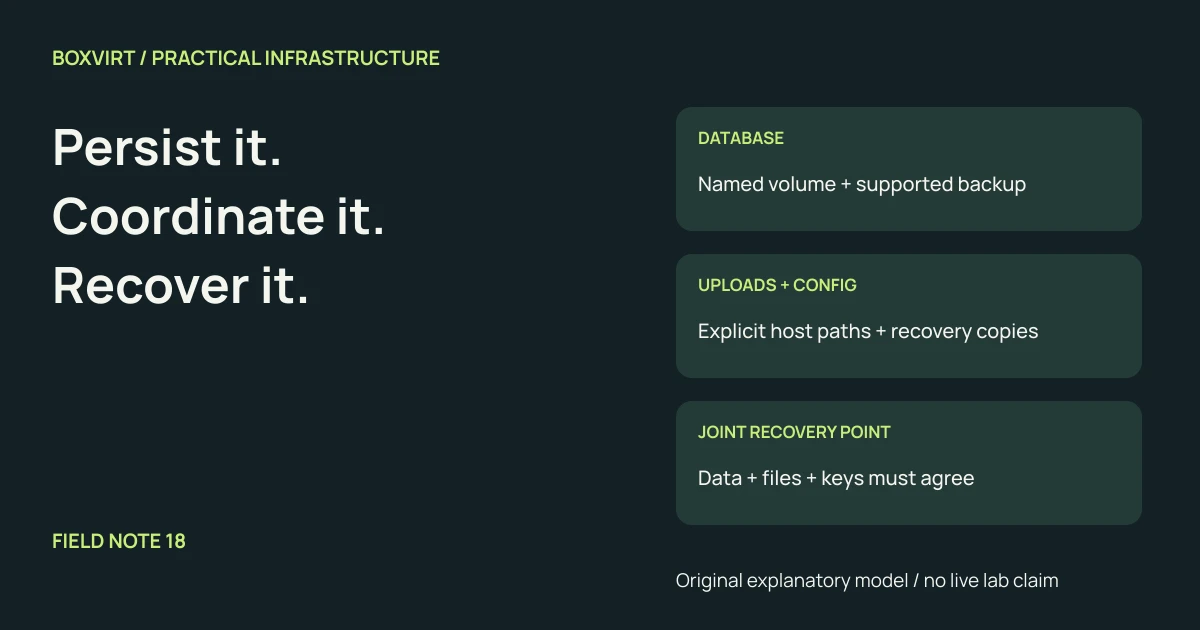
Use a named volume when Docker should manage a persistent storage object; use a bind mount when you need an explicit host path. Neither mount type creates a backup or makes a running database safe to copy. Choose the layout by recording what the service needs after losing the original host, then assign a consistency method and recovery copy to every required item.
Docker’s storage overview distinguishes persistent mounts from the container’s writable layer. Recreating a container from its image does not recover application state that existed only in the old writable layer. Persistent storage survives a container lifecycle; it still needs protection against loss of the storage beneath it.
This is a planning worksheet for a hypothetical document service with a database and uploaded files. It is not a database backup script or a tested migration.
Choose who manages each location
| Question | Named volume | Bind mount |
|---|---|---|
| How is the source identified? | Docker volume name and driver | Explicit path on the daemon host |
| Who manages the location? | Docker and the selected storage driver | The host administrator |
| What does another host need? | A compatible volume/storage object and restored contents | The intended path, contents, permissions and mount availability |
| Is it automatically an independent copy? | No | No |
The volume reference explains named and anonymous objects and their lifecycle. A named volume gives the data a stable reference; it does not mean Docker replicates it to another host. A Compose file declaring a volume can create an empty replacement when the original data is absent. Keep recovery copies outside the original host’s failure boundary.
The bind-mount reference explains dependence on the daemon host’s filesystem. With a remote daemon, the source is on that host, not your laptop. Check whether a required parent storage mount is actually available: a valid directory name alone does not establish that the intended data filesystem is mounted there.
Build a recovery inventory for one service
Use names as examples, not as a prescribed application filesystem layout:
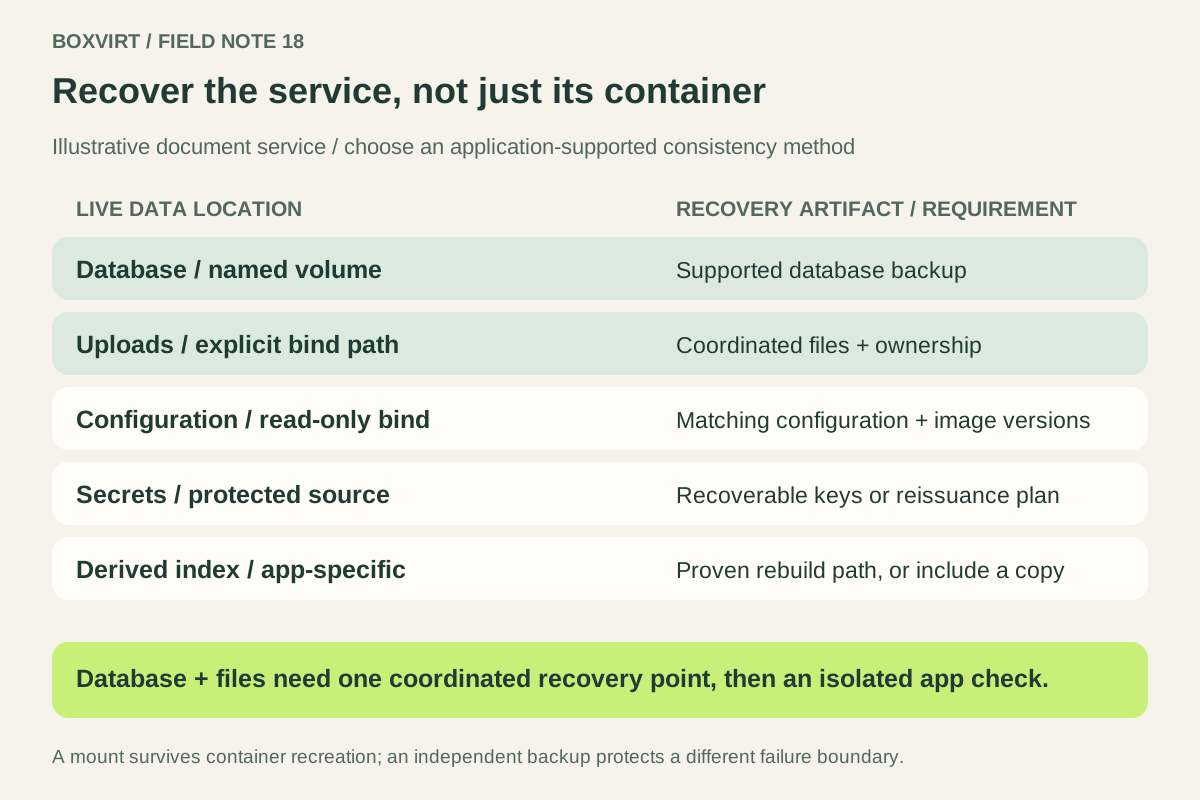
| Component | Illustrative location | Required recovery artifact | Consistency requirement |
|---|---|---|---|
| PostgreSQL database | Named volume docs-db | Supported logical dump or complete supported physical backup | Database backup method, with version and completion recorded |
| User uploads | Bind mount /srv/docs/uploads | Files plus required ownership and metadata | Coordinate with database references at a defined recovery point |
| Application configuration | Read-only bind mount /srv/docs/config | Configuration and deployment definition | Save the version that matches the recovery point |
| Secrets and encryption keys | Separate protected secret source | Recoverable secret material or documented reissuance | Keep access controls and test availability during recovery |
| Search index or cache | App-defined storage | Rebuild instructions, if the application supports rebuilding | Prove it is derived before excluding it |
The inventory is the useful deliverable. For every real row, add an owner, backup destination, last successful artifact and restore check. If the application can store files outside the proposed upload mount, add those locations too. Do not classify all container directories as either essential or disposable without consulting that application’s data model.
Read-only configuration reduces what the container can change at that mount. It does not freeze the host’s file or create a historical copy. In Compose, confirm the effective mount type, source, target and read-only setting using the service volume syntax. Do not repair ownership by granting every user write access. Match the service’s documented UID/GID and any host security-label requirements.
Separate persistence from a consistent recovery point
For PostgreSQL 18, a logical dump provides a consistent database export while the database is in use. A single database dump does not automatically preserve cluster-wide roles and tablespace definitions; account for those separately. Record the required restore privileges and compatible database/tool versions with the artifact.
That database consistency does not by itself synchronize uploaded files. If an upload is added or removed while the dump and file copy are taken separately, the two artifacts may describe different application states. Use the application’s supported maintenance or backup workflow to establish their joint recovery point. Record when writes are allowed to resume.
PostgreSQL’s filesystem-backup guidance explains why an ordinary file-by-file copy of a running data directory is not a usable physical-backup method. Supported alternatives have requirements such as stopping the database or obtaining a consistent filesystem snapshot covering the required data and WAL. A convenient archive of a mounted volume does not remove those requirements. Other databases need their own supported method.
Prefer a written artifact list over “back up all volumes.” That phrase can miss bind mounts, external databases, object storage and key material while copying large caches that could have been rebuilt.
Rebuild onto empty storage in a separate recovery environment
Turn the inventory into an ordered rehearsal:
- Recover the deployment definition and required image versions. Preserve a way to obtain those images if the original registry is unavailable.
- Prepare new storage objects or host paths, with the intended ownership, security labels and capacity. Verify you are targeting the recovery copy.
- Recover the database using its supported workflow. Restore required roles, uploads, configuration and secrets from the coordinated artifact set.
- Start the application on an isolated network and prevent duplicate jobs, notifications or writes to production dependencies.
- Check a known database record and its uploaded file, then perform an allowed application operation. Record missing dependencies and elapsed recovery time.
Keep the original artifacts intact during the rehearsal. A successful container start proves less than a working application. If a restored volume appears empty, compare the resolved Compose volume name and project identity with the intended object before writing new data into it.
The Proxmox backup guide addresses the surrounding guest-backup boundary. Use this inventory to identify what that backup actually includes. The backup transfer-time example can estimate the copy stage from a measured payload rate; database recovery, permissions and application checks require their own time budget.