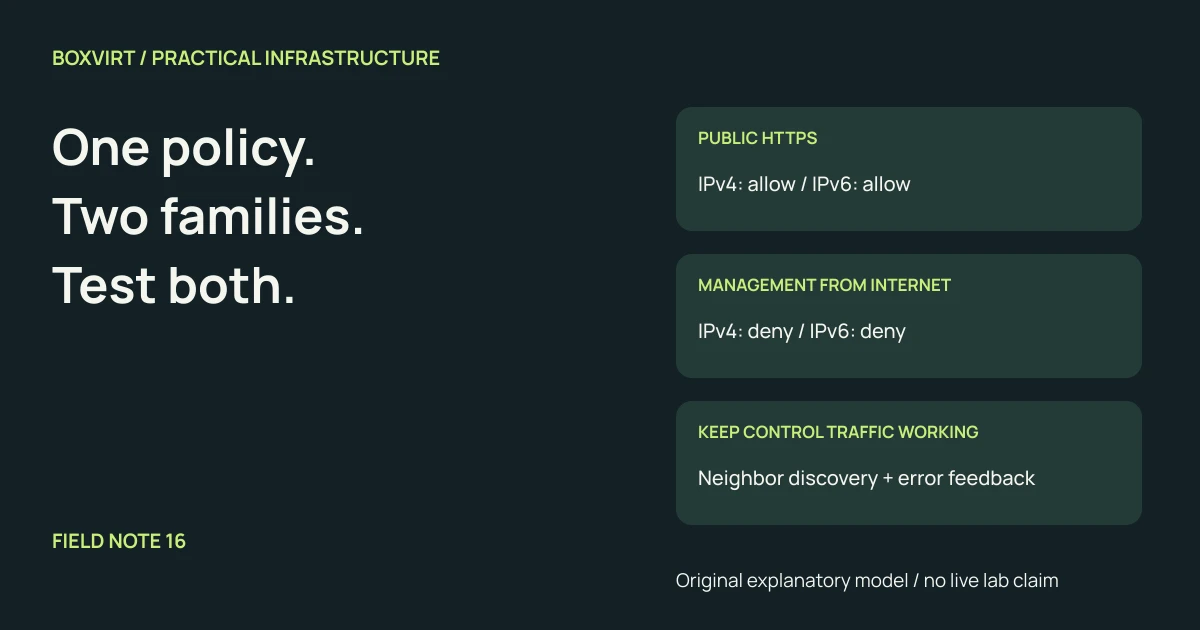
An IPv4 firewall test does not establish that the same service is protected over IPv6. Write the intended access policy once, then check its implementation and observable result for both address families. Include the router itself, forwarded traffic and the destination host’s firewall.
A globally scoped IPv6 address is not proof that an inbound connection succeeds. Conversely, the absence of an IPv4 port-forward does not demonstrate an IPv6 block. Routing, filtering and a listening application determine the result. RFC 6092 describes residential IPv6 gateway filtering, including protection against unsolicited inbound sessions. It is a design reference, not evidence about your router’s current defaults.
This guide produces an access worksheet for an ordinary routed, dual-stack homelab. It does not supply a vendor ruleset or claim a tested deployment.
Make the desired paths explicit
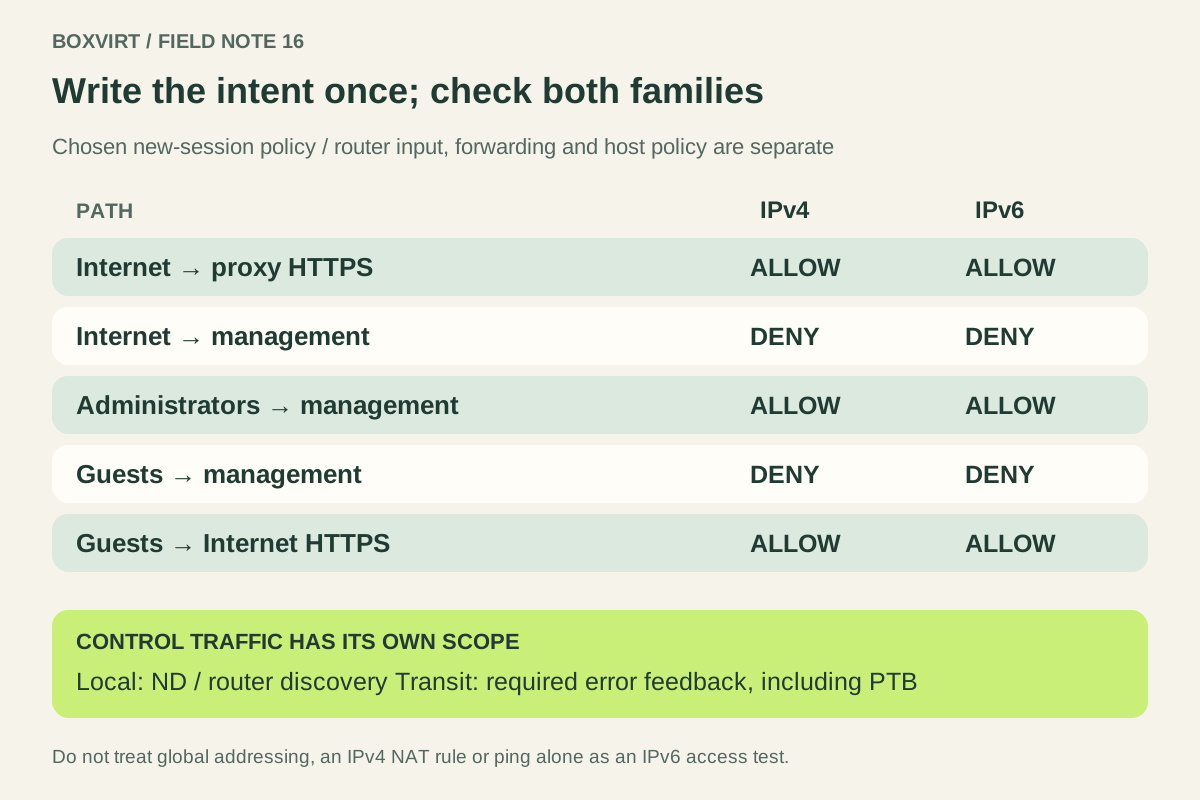
Suppose a lab has trusted clients, guests, a management VLAN and a reverse proxy. Use documentation addresses to describe the public side and IPv6 LANs; replace them with your actual delegated prefixes when completing the private worksheet. The following policy is a chosen example:
| New connection | IPv4 target | IPv6 target | Intended result |
|---|---|---|---|
| Internet → public HTTPS proxy | Public address, TCP 443 | Proxy global address, TCP 443 | Allow through the intended frontend |
| Internet → hypervisor management | Management service | Management service | Deny |
| Trusted clients → hypervisor HTTPS | Management address | Management address | Allow from designated administrators |
| Guest VLAN → management | Management subnet | Management prefix | Deny |
| Guest VLAN → Internet HTTPS | Remote IPv4 service | Remote IPv6 service | Allow; permit stateful replies |
For an illustrative IPv6 plan, the proxy might be
2001:db8:4a10:20::10, management 2001:db8:4a10:10::/64, and guests
2001:db8:4a10:30::/64. All are inside the documentation prefix
2001:db8::/32; they are not live test destinations. The
IPv6 /56 planning example
explains the allocation step. Prefix allocation alone installs no access policy.
Add a separate column for established replies. A denied new Internet session and an allowed reply to an outbound connection are different acceptance tests. Also record any VPN path; a successful VPN connection should not imply permission to every management service.
Identify where each packet is filtered
An inbound request to the router’s own web interface is locally delivered. A request routed through it to a VM uses its forwarding path. The VM may then apply another host-level policy. A bridge firewall can add a further enforcement point without routing the packet.
For each worksheet row, write the actual sequence: ingress interface, destination address, route, enforcement points and application listener. Do this separately for IPv4 and IPv6. Do not infer a chain name from a diagram; use your platform’s documentation. The input/forward explanation illustrates the distinction in RouterOS terminology.
Record every address on the target interface, including additional or temporary IPv6 addresses where applicable. A rule matching an old delegated prefix can stop expressing the intended policy after renumbering. Document how your router updates prefix-based objects and how you will recheck access after an ISP change.
Preserve IPv6 control traffic deliberately
Do not translate an IPv4 habit of dropping all ICMP into an IPv6 rule. RFC 4890 distinguishes essential error reporting, transit traffic and local configuration traffic. The table below is a review aid, not a complete type/code allowlist:
| Function | Messages to account for | Scope to review |
|---|---|---|
| Error feedback | Destination Unreachable, Packet Too Big, Time Exceeded, Parameter Problem | Appropriate type/code and validation for the protected flows |
| Neighbor discovery | Neighbor Solicitation and Advertisement | Relevant local links and interfaces |
| Router discovery | Router Solicitation and Advertisement | Intended router/host roles on the local link |
| Diagnostics | Echo Request and Reply | Explicit diagnostic policy; not a substitute for service tests |
Neighbor Discovery, RFC 4861 defines the local-link exchanges used for address resolution and router discovery. Local neighbor discovery is not an Internet-to-LAN application allowance. Review expected RA sources on each LAN; permitting required discovery does not mean accepting arbitrary router advertisements from untrusted devices.
For transit traffic, keep the necessary error feedback able to reach its receiver. RFC 8201 explains IPv6 Path MTU Discovery using Packet Too Big messages. Blocking that feedback can leave small requests working while larger transfers fail. The MTU and MSS guide explains that symptom. DHCPv6, prefix delegation and multicast-listener handling need review too if the chosen topology uses them; their requirements are not exhausted by this ICMPv6 table.
Check an allowed path and its nearest denied alternative
Start from an authorized client in each relevant zone. Force IPv4 and IPv6 separately using the client’s supported tooling, and record the actual destination and listening port. A dual-stack browser may quietly use the other family. DNS success also proves less than an application response.
For the example, pair an external HTTPS request to the proxy with an external attempt to the management HTTPS endpoint. Repeat from trusted and guest clients. Use a controlled target with a known working listener: an unresponsive, stopped service cannot prove that a firewall blocked access. Correlate client observations with counters or logs at the expected enforcement point.
Record the date, source zone, address family, selected destination, expected result and observed result. Check a fresh session so existing state does not hide a policy error. Include a representative larger transfer when checking PMTU; successful ping alone does not establish application reachability.
Before changing management access, preserve console access and copies of the relevant rules and addressing. Change through the platform’s supported workflow, then repeat both permitted and prohibited tests. Keep unresolved worksheet rows marked unresolved until you have evidence for each family.