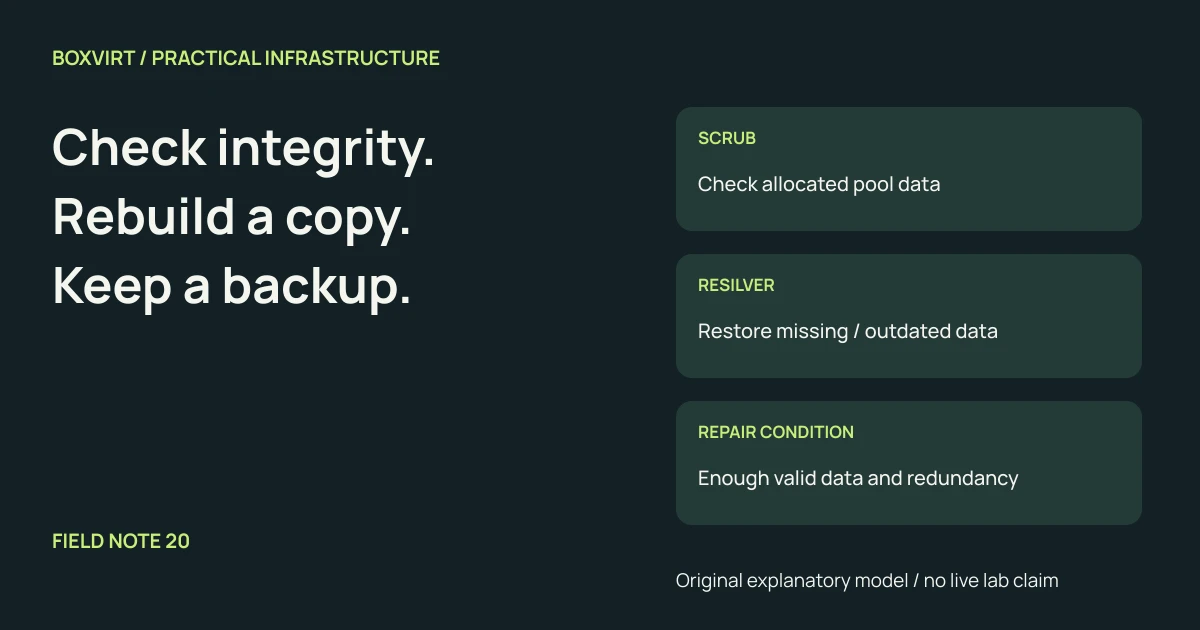
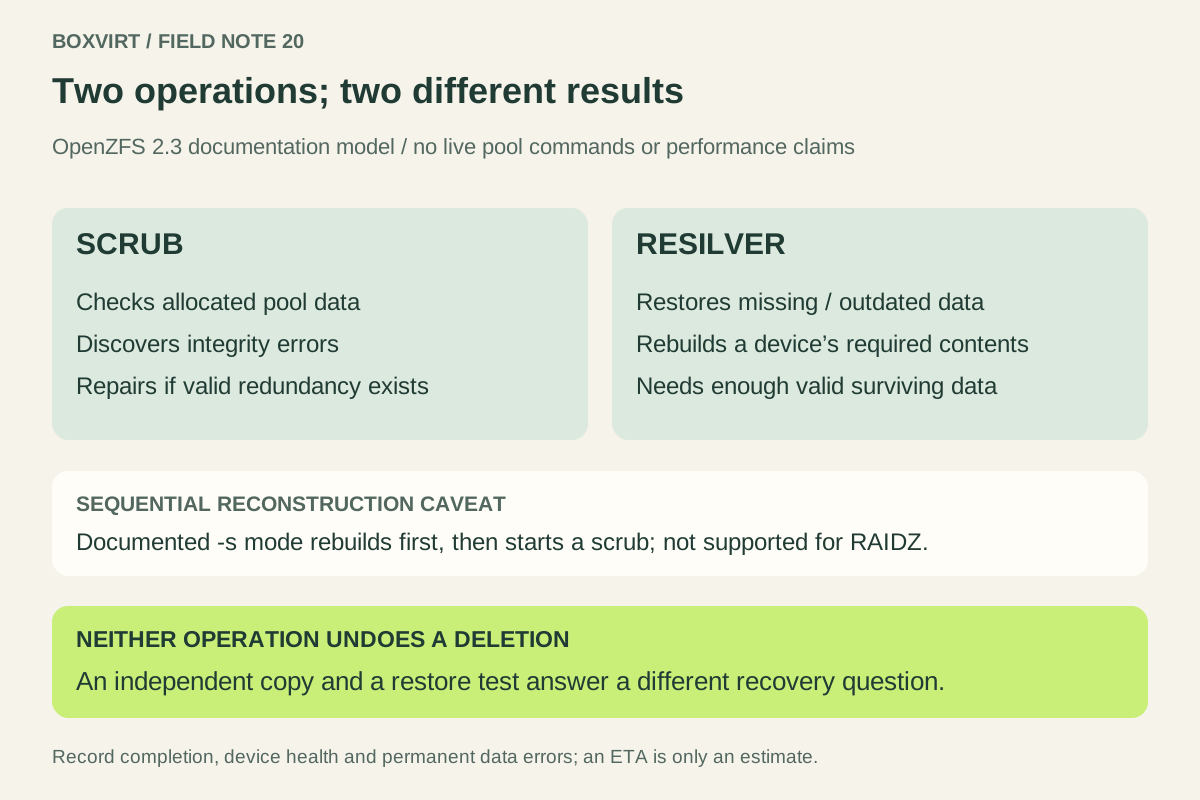
A scrub checks allocated pool data for integrity, including data that ordinary applications have not recently read. A resilver restores data that ZFS knows is missing or out of date on a device, typically during replacement or mirror attachment. They answer different questions: “Does the stored data verify?” and “Has this device regained the data it needs?”
Repair requires enough valid data and redundancy for the affected blocks. Neither operation retrieves a deleted file’s previous state or replaces an independent backup. This guide compares documented behavior using the versioned OpenZFS 2.3 manuals. It is not a report of a scrub, replacement or failure test. Check your installed platform’s manual before taking an operational action.
Compare the scope before looking at the progress bar
| Question | Scrub | Resilver |
|---|---|---|
| Primary purpose | Discover integrity errors across allocated pool data | Restore missing or outdated device data |
| Typical reason | Periodic integrity review or investigation | Replacement, mirror attachment or device returning after missing writes |
| Normal scope | All allocated data in the pool, rather than every unused sector | Data ZFS identifies as needing reconstruction or synchronization |
| Can valid redundancy help? | Yes, damaged blocks can be repaired when reconstructable | Yes, required contents are obtained from surviving valid data |
| Does completion prove application recovery? | No | No |
The scrub manual explicitly distinguishes checking all pool data from examining data known to be out of date. “All data” does not mean a destructive surface test of every free sector. Checksums can reveal corruption; they cannot recreate missing information without a usable recovery source.
Trace a two-disk mirror without inventing a failure test
Imagine a mirror containing disks A and B. These are model cases, not observed device events:
| Case | What is available? | What the operation can establish |
|---|---|---|
| One stored block on A is corrupt; B has a valid copy | A valid redundant copy of that block | A scrub can detect and repair that block |
| Both copies of a required block are unreadable or invalid | No valid local reconstruction source for that block | Detection is possible; local repair is not assured |
| B is replaced by a blank suitable device C | A still has valid required data | A resilver can populate C to rebuild the mirror’s redundancy |
| A user correctly deletes a file | The live filesystem reflects the deletion | Scrub and resilver do not undo that authorized state change |
OpenZFS’s pool concepts explain redundancy and device failure. A pool-level health label is not enough to infer every file is usable; review reported permanent errors and the actual affected data. Choose redundancy for the topology and failure cases you intend to tolerate. The six-disk layout comparison works through that decision separately.
A replacement is more than starting a generic scan
The replacement manual describes introducing a replacement device and waiting for reconstruction before removing the old member. Exact replacement steps depend on the platform, device identity, pool topology and available recovery path. This article intentionally does not provide disk-changing commands to copy.
There is also a documented sequential-reconstruction mode for supported
topologies. In the OpenZFS 2.3 replacement manual, -s prioritizes rebuilding
redundancy without checksum verification during that reconstruction, then starts
a scrub. It is not supported for RAIDZ there. This is why “a resilver finished”
must not automatically be translated into “the whole pool passed an integrity
scrub.” Do not confuse sequential reconstruction with the general sorting of
scan I/O for efficient reads.
The resilver command reference adds another operational trap: invoking that command while a resilver is already running restarts it from the beginning, and the command requires the documented pool feature. It is not a harmless status-refresh command. Use the supported status view to observe progress instead.
Read the completed result, not just an estimated finish time
The status manual describes pool and device health reporting and warns that progress and time estimates are approximate. Changing pool contents and competing workload can change them. Do not extrapolate a universal hours-per-TB figure from this guide.
For a real maintenance record, capture:
- The pool identity, topology, platform and installed ZFS version.
- Which operation ran, why it ran, and its start and completion records.
- Device states, read/write/checksum errors and any permanent data errors.
- Whether redundancy was restored and whether a subsequent integrity check required by the chosen workflow completed.
- The follow-up for affected files, hardware diagnosis and recovery copies.
Treat counters as evidence to investigate, not a complete diagnosis of the physical cause. A checksum error alone does not identify a particular cable, disk, controller or memory module as the culprit. Preserve the result before resetting error records through a supported troubleshooting procedure.
On the documented pool, scrub and resilver do not run concurrently. Plan maintenance around existing tasks and check the platform’s current schedule before creating another one. Their I/O cost is a reason to observe application behavior during authorized maintenance, not to promise an invented performance impact or completion window.
Keep the recovery boundary separate
A scrub can verify the bytes representing an unwanted deletion perfectly. A resilver can reproduce those same bytes on a replacement disk. Recovering an earlier file requires an available earlier version; recovering from pool loss requires data outside that lost pool’s failure boundary.
Keep independent copies, the configuration and keys needed to use them, and a restore rehearsal appropriate to the service. The Proxmox backup guide distinguishes stored-data verification from restoring and checking an application. Use a scrub result as integrity evidence and a resilver result as reconstruction evidence. Record a restore test separately, with what was actually recovered.