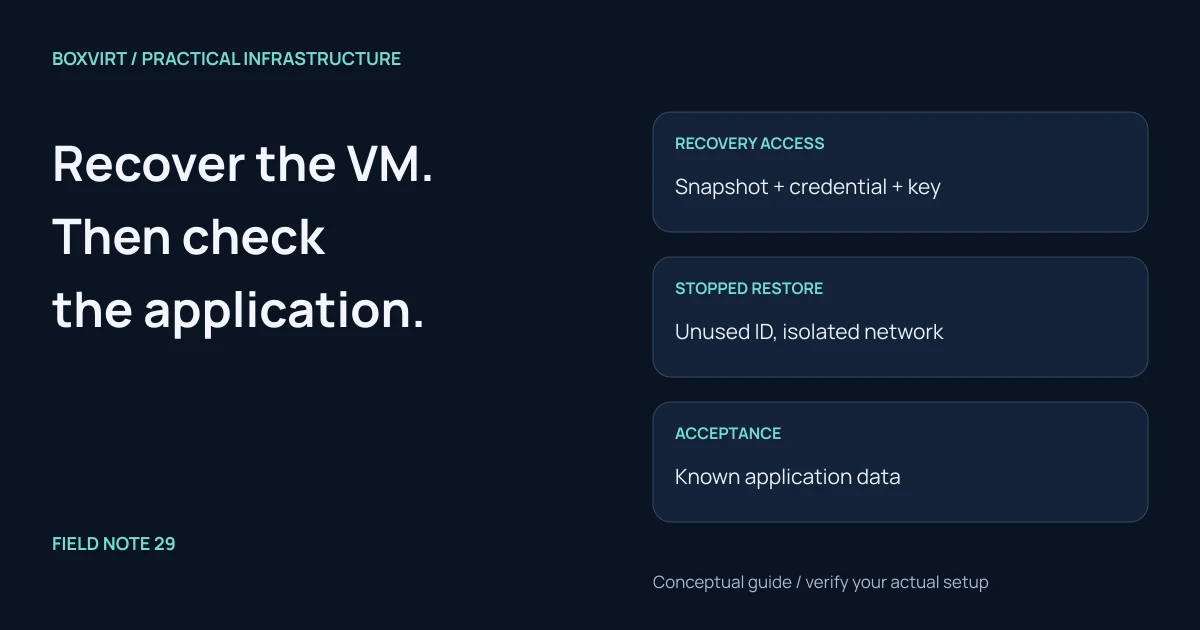
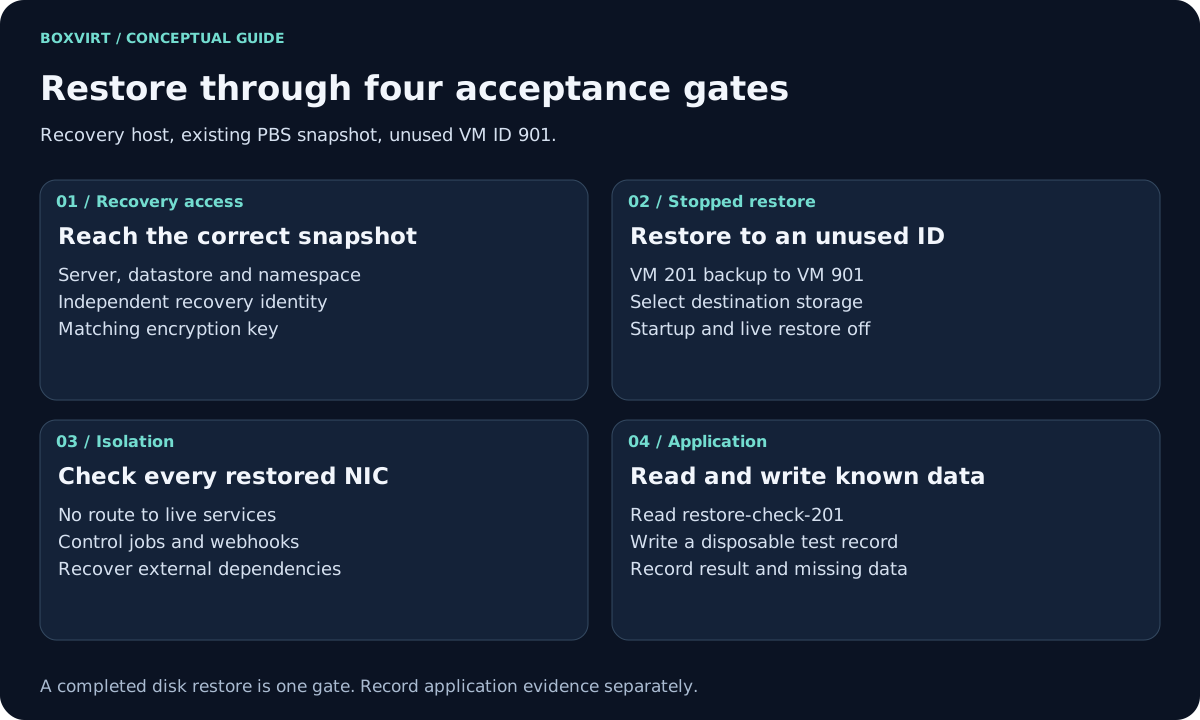
To restore a VM from Proxmox Backup Server, connect a recovery PVE host to the correct PBS datastore and namespace, select the snapshot, and restore to an unused VM ID with startup disabled. Before booting, isolate every network interface and check dependencies outside the backed-up disks. Finish by testing the application against known data.
This runbook covers a replacement PVE host with an existing PBS backup. It extends the first-backup walkthrough with a loss-of-host drill and an acceptance record. It does not cover LXC restore, reconstruction of a cluster, or recovery of the PBS datastore itself.
Validation: documentation reviewed November 10, 2026; no recovery drill has been run. PBS sources identify as 4.2.9-1. Record the actual PVE, PBS and guest builds before rehearsing this procedure on an isolated lab.
Write the recovery record before restoring
Use one disposable application VM for the rehearsal. These values define an example to fill in, not completed test results:
| Record | Example or field to complete |
|---|---|
| Lost guest | VM 201, application lab-notes |
| Recovery target | Replacement PVE host; unused VM ID 901 |
| Backup identity | PBS server, datastore, namespace, vm/201, exact snapshot time |
| Destination | Existing PVE VM storage with enough allocated and physical space |
| Known data | A note with marker restore-check-201 saved before the backup |
| External dependencies | Database, file shares, identity provider, secrets and DNS |
| Evidence | Task ID, included disks, key source, application result, missing data |
For a useful marker, save its expected content and creation time separately before making the backup. Do not invent a post-restore checksum when the only copy of the expected value was inside the lost VM. An external database needs its own consistent recovery point; restoring the VM does not restore that database.
Establish access without relying on the lost host
Recover the PBS hostname, independently verified TLS identity, datastore and namespace from the runbook. Use a recovery credential kept outside the failed host. PBS distinguishes a reader from the backup identity that owns a group; see access-control roles. Check the effective permissions of both user and token when using an API token.
Add a temporary PBS connection through Datacenter → Storage on the recovery PVE installation, following the PBS backend guide. For encrypted snapshots, import the independently saved key for this connection. Do not generate a replacement key and expect it to decrypt existing data. The key-recovery plan explains what must remain available outside the original PVE host.
If the connection works but the group is missing, compare namespace, owner, permissions and snapshot filters before assuming the backup is gone. Keep recovery access separate from routine backup scheduling and pruning.
Restore a stopped copy to explicit storage
Select the exact snapshot from the PVE storage’s backup list. Match its VM ID, timestamp and included disks to the recovery record. Choose Restore, VM 901, and an explicit destination storage. Leave Start after restore and Live restore off. Confirm that 901 is unused across the target cluster; do not overwrite another VM to make the example fit.
Read the completed task log. A restore error belongs in the record even if some volumes were created. Keep the original snapshot intact while diagnosing target capacity, storage support or permissions. For options and their meaning, use the VM restore manual.
Inspect the stopped VM’s configuration on the recovery PVE host:
qm config 901
Compare disk presence, boot settings, NICs and any passed-through resources with the inventory. A disk excluded from backup or an absent hardware device needs a separate recovery decision. An ordinary guest backup is not an image of the PVE host configuration.
Keep the recovery copy out of HA management and disable its Start at boot option before a recovery-host reboot. Leaving immediate startup off in the restore dialog does not settle later automatic startup.
Isolate before the first boot
Disconnect every restored NIC for the first console boot, or attach each to a prevalidated isolated lab network. That network must have no unintended uplink, routing or access to live services. A new VM ID or regenerated MAC does not change static guest IPs, application credentials or scheduled jobs.
From the console, stop outbound mail, webhooks, scheduled workers and replication before adding any lab connectivity. If the application requires DNS or a database, supply an isolated dependency or narrowly controlled test endpoint. Do not connect a clone to the live database merely to make its health check pass.
Test the application and record the boundary
| Gate | Evidence to capture | Stop condition |
|---|---|---|
| Disks restored | Task log and disk inventory | Missing or failed required disk |
| Guest starts | Console, filesystem mounts, service state | Boot or mount failure |
| Application reads | Login and exact known marker | Missing record or authentication dependency |
| Application writes | New disposable record, then read it back | Permission or database failure |
| Dependencies recover | Separate data and secrets accounted for | Live-only dependency hides a missing recovery step |
Compare the newest recovered record with the selected snapshot’s time and the application’s consistency method. A backup timestamp alone does not establish the last committed business transaction. Record preparation, transfer, startup and checking separately if timing the drill; see the transfer-time model.
For a rehearsal, shut the copy down and remove temporary recovery access when the record is complete. For a real cutover, first fence the original instance and plan addresses, dependency endpoints and scheduled jobs. Keep the recovered copy isolated until those decisions are explicit.