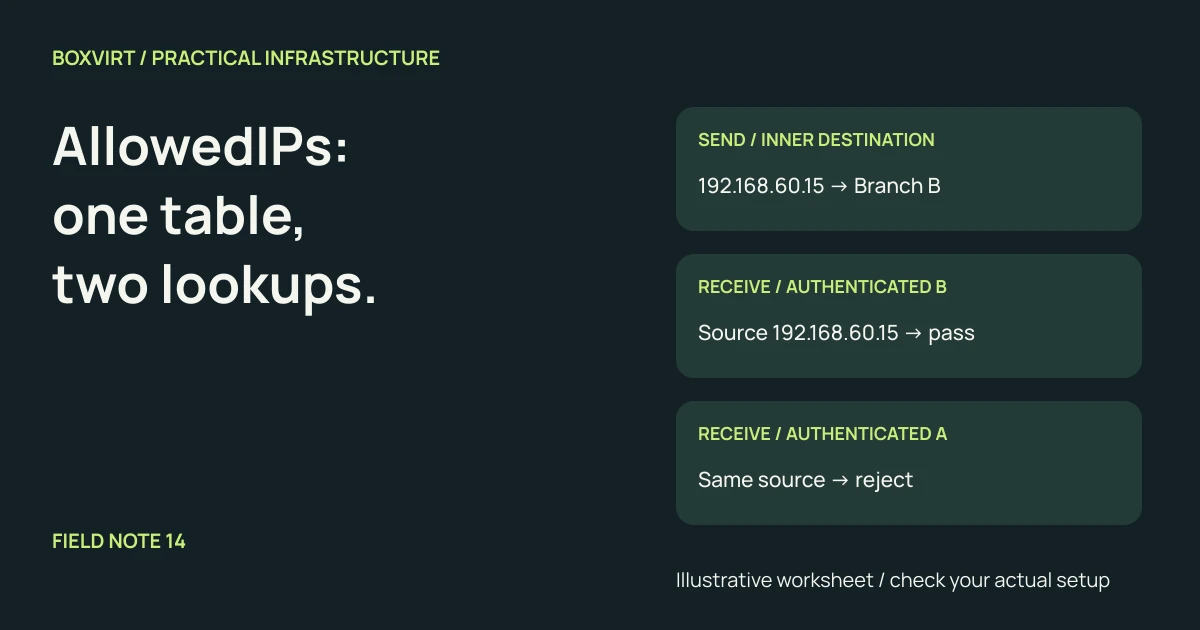
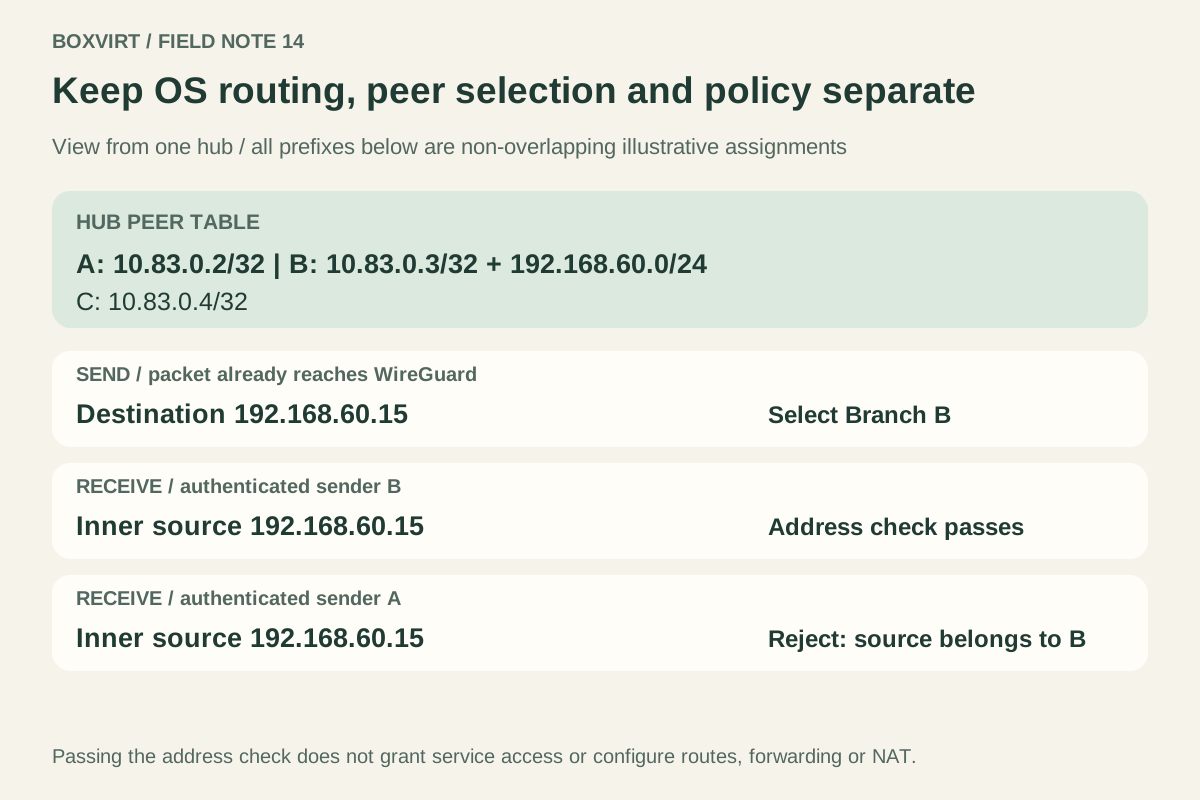
AllowedIPs connects a peer’s identity to IP prefixes. When a packet leaves a WireGuard interface, its destination selects a peer. When a packet arrives from an authenticated peer, its inner source address must belong to that peer in the interface’s address lookup. These are two uses of the same table.
This does not replace the operating system’s routes or a firewall policy. To understand a broken tunnel, keep three questions separate: does the packet reach the WireGuard interface, which peer owns the address, and may the traffic reach the service?
The WireGuard conceptual overview describes that send/receive distinction. The example below turns it into a planning worksheet; it contains no real keys, live endpoints or claimed packet-test results.
Separate the UDP endpoint from the inner IP packet
WireGuard transports an encrypted IP packet inside UDP. The outer endpoint is where encrypted UDP is sent. The inner packet contains the source and destination of the traffic carried through the tunnel.
A laptop might therefore reach a gateway through its public endpoint while using a private tunnel address inside. You do not add the gateway’s public endpoint to AllowedIPs merely because it receives encrypted UDP. A peer’s endpoint can also change as it roams; its authenticated identity remains tied to its key.
The official wg manual
defines Endpoint separately from AllowedIPs. It also separates WireGuard
configuration from interface addresses and OS routing.
Write a peer table from one machine’s perspective
Imagine a hub with tunnel address 10.83.0.1, a local service LAN 192.168.50.0/24 and three peers. These are illustrative private ranges; check your own LANs and VPNs for conflicts before choosing addresses.
The following table describes the hub’s WireGuard interface:
| Peer identity | Role | AllowedIPs at the hub |
|---|---|---|
| Laptop A | One remote device | 10.83.0.2/32 |
| Branch B | Router serving a remote LAN | 10.83.0.3/32, 192.168.60.0/24 |
| Admin C | Another remote device | 10.83.0.4/32 |
Branch B is entrusted to represent its routed LAN as well as its own tunnel address. The laptop and admin entries identify individual addresses. None of these prefixes overlap.
This table does not configure addresses, establish LAN routes or grant access to services. Use the subnet calculator to inspect prefix boundaries, then compare them with the actual network inventory.
Sending: destination lookup chooses the peer
Assume the hub’s OS has already selected this WireGuard interface for each packet below. Now evaluate the inner destination:
| Destination reaching WireGuard | Selected peer | Reason |
|---|---|---|
10.83.0.2 | Laptop A | Matches its /32 |
192.168.60.15 | Branch B | Inside its remote LAN prefix |
10.83.0.4 | Admin C | Matches its /32 |
192.168.70.8 | None; cannot send through this interface | No peer owns that destination |
The packet’s destination is not the peer’s outer UDP endpoint. Once a peer is selected, encrypted traffic goes to that peer’s endpoint.
The no-match row is conditional on the packet reaching WireGuard. An OS route could instead select another interface, or fail before WireGuard is involved. AllowedIPs cannot rescue a packet sent down the wrong path.
Receiving: authentication comes before the source check
Now examine packets received by the hub. Assume transport authentication and decryption succeeded for the named peer. The WireGuard whitepaper, section 3 explains that the source-address lookup must identify the same peer that sent the authenticated packet.
| Authenticated sender | Inner source address | Address check at the hub |
|---|---|---|
| Laptop A | 10.83.0.2 | Pass: belongs to A |
| Branch B | 192.168.60.15 | Pass: B represents this LAN |
| Laptop A | 192.168.60.15 | Reject: address belongs to B |
| Branch B | 10.83.0.4 | Reject: address belongs to C |
| Admin C | 192.168.70.8 | Reject: no peer owns this source |
Passing this check does not mean the destination service must accept the packet. It establishes an address-to-peer relationship, after which routing and the relevant security policy still matter.
There is an important trust boundary in the second row. B is authorized to send as an address within its LAN prefix. WireGuard does not establish which individual workstation behind B generated the packet. Do not mistake a trusted subnet-to-peer mapping for authentication of every user or application there.
Keep overlap deliberate, and avoid duplicate ownership
Linux WireGuard’s allowed-address lookup implementation selects the most specific matching prefix. A more specific peer assignment can therefore change both destination selection and accepted source ownership. Merely finding a source inside another peer’s broader prefix is insufficient.
For a simple hub, distinct ranges are easier to audit. Do not give every peer the same LAN prefix and expect equal-cost distribution or automatic failover. An identical prefix does not create independent simultaneous ownership for several peers on one interface. Check platform behavior before designing intentional overlap; this example does not require it.
OS routes and automatic setup are separate layers
The low-level wg utility sets WireGuard-specific state. A setup tool may also
create OS routes, which makes the distinction easy to miss.
The official wg-quick manual
states that it normally derives routes from peers’ allowed prefixes. Its Table
option can disable automatic route creation, and default prefixes receive
special routing-rule handling. Other managers and operating systems have their
own setup behavior.
For each destination in your worksheet, record both the selected OS interface and the peer selected inside that interface. Inspect effective routing state instead of assuming that editing AllowedIPs always installs a route.
Why 0.0.0.0/0 means different things on opposite sides
On Laptop A, a single gateway peer with 0.0.0.0/0 can represent every IPv4 destination that reaches the tunnel. It also authorizes that gateway to deliver inner packets with any IPv4 source, as replies from internet destinations may require.
On the hub, assigning that same broad prefix to Laptop A instead changes what addresses the hub entrusts to the laptop. That is a different decision from choosing the hub as the laptop’s internet gateway. Keep the narrow hub entry from the worksheet unless the topology requires broader ownership.
IPv4 0.0.0.0/0 does not cover IPv6; ::/0 is the IPv6 catch-all. A catch-all
also does not, by itself, implement a kill switch, DNS policy or service-level
firewall. OS routing rules and other routes still determine which packets
actually enter the interface.
Finish the path beyond AllowedIPs
The RouterOS WireGuard documentation shows peer addresses, IP routes and firewall permissions as separate parts of a routed deployment. Preserve that separation in your own design.
For the example’s local service LAN, complete these entries before expecting an application connection:
- Forward direction: which route carries the client’s request to the service?
- Return direction: which gateway sends the service’s reply toward the hub and the client’s tunnel address?
- Permissions: which source, destination, protocol and port may communicate?
- Address translation: is NAT actually required by this topology, and which original source address would it hide?
AllowedIPs does not automatically configure forwarding, return routes or NAT. A handshake confirms neither the full path nor permission to use a service. For a RouterOS implementation with narrow service access, continue with the MikroTik WireGuard setup guide.
For each new peer, retain the completed address table and write one expected send case, one permitted incoming source and one source that should be rejected. Those expectations give a later isolated test a clear result to check.
If the same LAN prefix exists on both sides, use the overlapping-subnet diagnosis to check which destination the client actually selects before changing peer entries.